The short answer
- Frame rate
- 30 fps on every console, with no performance, quality or 60 fps mode. The Display tab has no graphics or resolution option at all.
- Best to worst
- PS5 Pro (sharpest, near-locked 30), then Xbox Series X and PS5 (both around 1440p, base PS5 dips more), then Series S (around 720p, often mid to upper 20s).
- Xbox One
- No native version. Xbox One can only stream it through Xbox Cloud Gaming, which uses Series S settings.
- Vignette
- The dark edges can’t be turned off. Motion blur can: Settings > Display > Motion Blur Strength > 0.
- 30 fps
- Target on all consoles
- 0
- Graphics modes
- ~1440p
- PS5, Pro, Series X
- ~720p
- Series S
- 6 min
- Read time
- Nov 2026
- Checked on
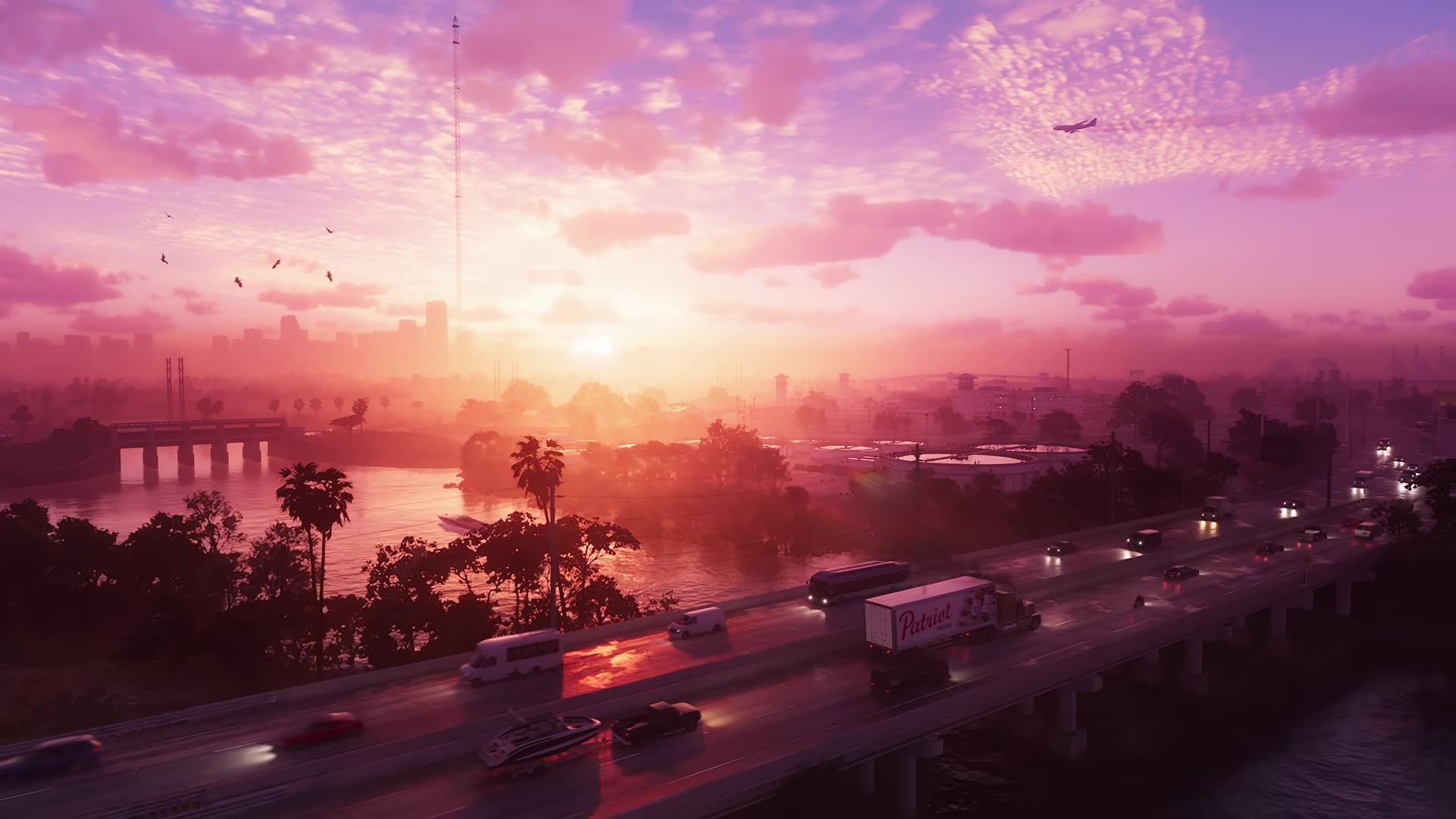
GTA 6 targets 30 fps on all four consoles, and only the PS5 Pro holds it almost all the time
There is one mode per console and you can’t change it. What you get depends on the hardware.
| Console | Mode and target | Image | What players report |
|---|---|---|---|
| PS5 Pro | One mode, 30 fps | Around 1440p rebuilt by PSSR to look close to 4K, plus better lighting and shadows | Smooth 30 nearly everywhere. Blowing up lots of cars at once can briefly pull it into the mid 20s. |
| PS5 | One mode, 30 fps | Around 1440p, clearly softer than the Pro | Fine for most people, with small dips while driving, in gunfights and sometimes in quiet scenes. Big explosions push it into the low to mid 20s. |
| Xbox Series X | One mode, 30 fps | Around 1440p, slightly less distant detail than PS5 | Steady 30 most of the time, upper 20s in fast chases. The common complaint is ghosting when you turn the camera. |
| Xbox Series S | One mode, 30 fps | Around 720p internally, upscaled, with softer hair, shadows, reflections and clouds | Often mid to upper 20s while driving or fighting, around 20 at worst. |
Cutscenes play smoothly on every console. The drops come from the open world: fast driving, crowded streets and shootouts in busy intersections. If you stay on missions, you see far fewer of them than if you go out with a grenade launcher.
The camera can also feel slow to respond at 30 fps. Raising Look and Aim Sensitivity helps a little, and our GTA 6 best settings guide has the values to try.
Base PS5 dips below 30 more often than the Pro, but it shouldn’t get loud
The base PS5 is the version with the most mixed reports. Plenty of players see nothing wrong in a full evening of play. Others notice it feeling choppy in gunfights, while driving at night and even standing around Jason’s house. Blowing up three or four cars in a row drops it into the mid 20s, and on base PS5 those drops can last until you leave the area.
Noise is less of a worry than people expected. Base PS5 owners mostly say the fan stays quiet, and several barely hear it at all. Sony says a louder fan during some games is normal and that the console needs at least 10 cm of space on every side, with the vents on the sides and back clear. If yours is loud or shows the overheating warning, unplug it and vacuum the vents with a low-powered vacuum, and don’t run it in a cramped cabinet. The GTA 6 problems and fixes guide covers the shutdowns some PS5 and PS5 Pro consoles hit in the prologue.
Series X holds 30 well, and its ghosting comes from the anti-aliasing
Most Series X players report a stable game with no crashes after hours of play. It renders at about the same resolution as the base PS5, and side by side, the PS5 shows a little more distant detail while the Series X tends to stutter less.
The ghosting complaint is real: turn the camera and a character’s head can leave a faint double. It shows up most on Series X, though PS5 and PS5 Pro players see it too. It comes from the game’s temporal anti-aliasing, which has no toggle. Setting Motion Blur Strength to 0 makes it less noticeable for some players, and so does turning off your TV’s motion smoothing.
Series S is the weakest version, at around 720p and often under 30 fps
Series S keeps all of the game’s main features, including the strand hair and ray-traced lighting, but at a much lower resolution. The image looks softer on a big 4K TV, and hair, power lines and fences break up most. On a 1080p or smaller screen the gap is much smaller.
The frame rate is the bigger issue. Driving and combat often sit in the mid to upper 20s, and the worst scenes fall to about 20. Turning on 120Hz and VRR helps less here because the frame rate drops so far.
There is no Xbox One or PS4 version, only Xbox Cloud Gaming
Rockstar released GTA 6 only on PS5 and Xbox Series X|S. Rockstar Support says the game is also available through Xbox Cloud Gaming on Xbox Series X|S and Xbox One consoles, “utilizing XBOX Series S graphics settings”. So an Xbox One gets the Series S picture streamed over the internet, and your connection decides how smooth it feels. There is no PS4 version. Rockstar also says Remote Play is fully supported on PlayStation and Xbox.
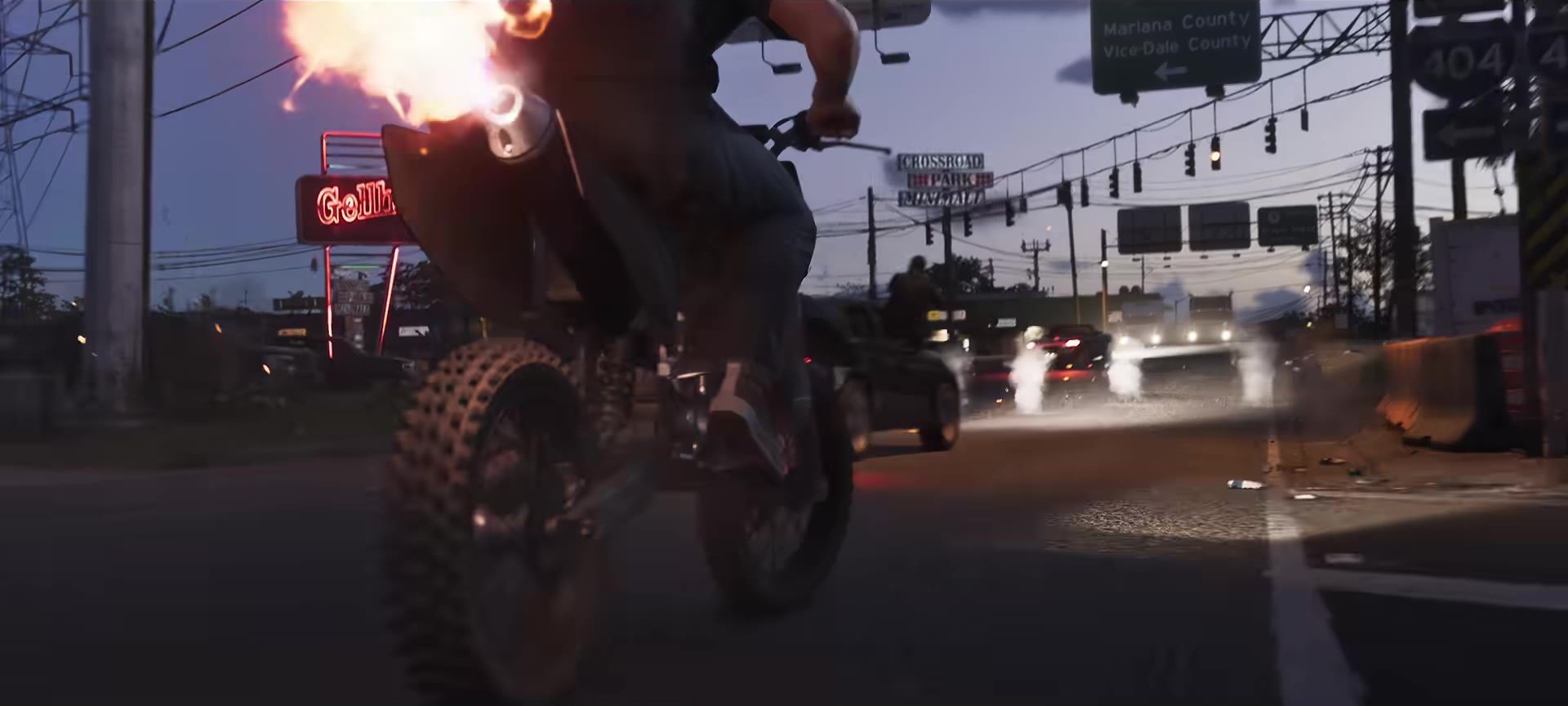
The only fixes are 120Hz with VRR on your TV and the in-game blur slider
Since every console has one locked mode, there is nothing to pick in the game. These are the changes that make a difference:
- Turn on 120Hz output and VRR in the console’s video settings if your TV supports them. On Series X this smooths over the dips. On Series S it helps less.
- Set Motion Blur Strength (Settings > Display, default 3). Use 0 for the clearest image, or keep 1 to 3 if 30 fps feels choppy to you. The blur hides some of the judder.
- Turn off your TV’s motion smoothing (TruMotion, Motion Plus, Motionflow and similar) if the picture smears. Some players do the opposite and switch it on to make 30 fps look smoother, but that adds input lag, so keep it for exploring.
- Restart the game after changing blur settings. If the blur seems stuck after you set it to 0, fully close the game. Restarting the console should clear it if that doesn’t.
Rockstar hasn’t announced a performance mode or a patch date for one.
You can’t turn off the vignette, and Motion Blur Strength is the only blur you can control
The dark band at the top of the screen, and sometimes the bottom and sides, is a vignette effect built into the game. The Display tab has no option for it, and players who searched every menu on launch day found none. It can come and go, and taking off Jason’s or Lucia’s sunglasses doesn’t always remove it.
| Effect | Can you turn it off? |
|---|---|
| Motion blur | Yes. Settings > Display > Motion Blur Strength > 0. |
| Vignette (dark screen edges) | No. There is no setting. |
| Depth of field (blurry background) | No. There is no depth of field slider. |
| Heat haze (shimmering distance) | No. It’s a weather effect, strongest on hot days. |
| Ghosting when turning | No. It comes from the anti-aliasing. Blur at 0 makes it less obvious. |
So if things still look soft with motion blur at 0, the rest is heat haze, depth of field or the console’s lower resolution, and none of those have a switch yet.
Base PS5 and Series S are still worth playing on, but the Pro is clearly the best
Base PS5: yes. It hits 30 most of the time and many players say the dips stop bothering them once they settle in. If you’re very sensitive to frame drops, expect gunfights to feel rough.
Series S: playable, and it still looks like the same game, especially on a smaller TV. It’s the version that drops below 30 most, so if you also own a PS5 or Series X, play there.
Upgrading for GTA 6: the PS5 Pro is the only console that is a clear step up. Moving from Series S to a base PS5 or Series X gets you a much sharper image and fewer drops, while base PS5 and Series X are close enough that your other games should decide.
FAQ
Does GTA 6 have a 60 fps mode on PS5 Pro?
No. The PS5 Pro runs at 30 fps like every other console. It gets a sharper image and a steadier 30, not a higher frame rate.
What resolution does GTA 6 run at on PS5?
Around 1440p on both PS5 and PS5 Pro. The Pro uses PSSR upscaling to look close to 4K, while the base PS5 looks softer.
Can you play GTA 6 on Xbox One?
Only through Xbox Cloud Gaming, which streams the game with Series S graphics settings. There is no version you can install on Xbox One.
Why is the top of my screen dark in GTA 6?
That’s the vignette effect, and there’s no setting to turn it off.
Why does GTA 6 look blurry in the distance?
Mostly heat haze and depth of field, which have no toggle. Set Motion Blur Strength to 0 and restart the game to rule out motion blur.
Source & credit
Grand Theft Auto VI is developed and published by Rockstar Games. Platform and Xbox Cloud Gaming details come from Rockstar Support’s platforms and editions article. Frame rate and resolution come from launch-day technical analysis and the every-console comparison by Linus Tech Tips, checked against player reports on r/GTAVI, r/GTA6 and r/GTA. PS5 cooling advice is from PlayStation Support. Images are official Rockstar Games trailer frames.