The short answer
- What you do
- Meet Lucia at the Fleeca bank off the highway (map name Set Up Bank Account) and speak to the manager. He turns Jason down for a real account because of his credit, so the bank sets you both up with BuckMe, Fleeca’s payment app.
- Where people get stuck
- The last step, at home. Open BuckMe on your phone, select your checking account and move the $100 welcome deposit into Family Savings with Buck Yourself. Money in Family Savings can’t be withdrawn.
- Savings goal
- The app shows $5,000 as the first Family Savings goal.
- Next mission
- Down to Earth, a seaplane job for Brian with Lucia along.
- $100
- Welcome deposit
- $5,000
- First savings goal
- Jason
- Character
- Fleeca bank
- Location
- 4 min
- Read time
- Nov 2026
- Checked on
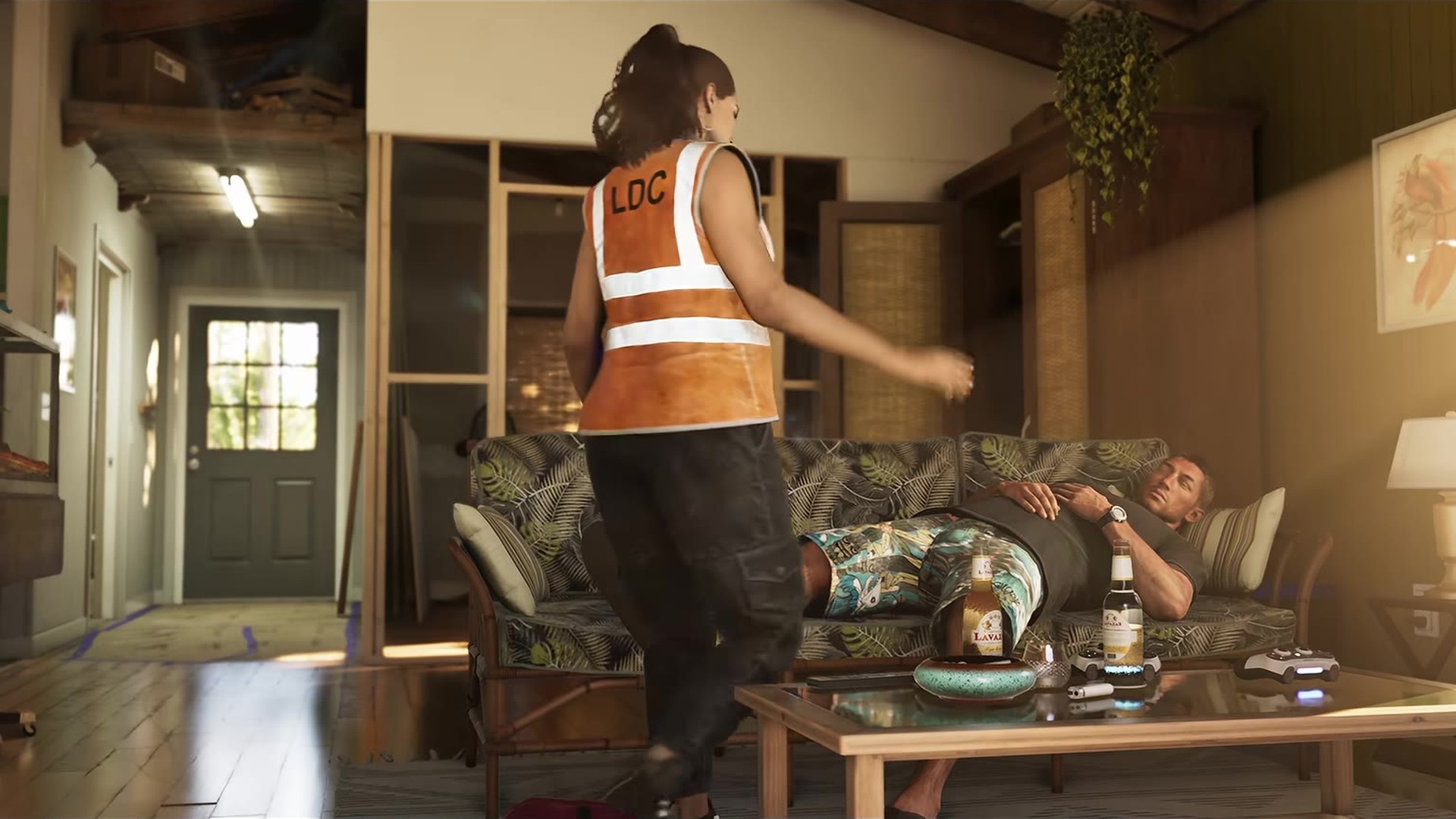
Buck Me starts with a phone call from Lucia about her case officer
Buck Me opens after Coming Home, at the same time as Clean Up After Donnie, and you can play the two in either order. Our walkthrough lists it as mission 13 of 22 in Chapter 1. You play as Jason. Lucia rings him: her case officer wants her to have a bank account for her community service pay, and she asks to use Jason’s until she gets one. He doesn’t have one either, since Brian pays him in cash, so she tells him to meet her at the Fleeca off the highway.
The map card reads “Lucia needs a bank account to get her community service payments. Meet her at the Fleeca nearby.” Lucia texts you the branch location. Our GTA 6 walkthrough has the full mission order.
At the Fleeca: speak to the manager, then follow him to his office
- Drive to the Fleeca marked on the map. The Buck Me title card appears as Jason walks in.
- Text Lucia when you arrive. She replies that she is on her way and to get started without her.
- Speak to the manager. The teller at the counter can’t open accounts and points you to the man at the desk.
- Follow the manager into his back office. The rest is a cutscene: Lucia joins, they ask about a loan for the house, and the manager tells Jason his credit is too poor for an account or a mortgage.
The best he can offer is a set of BuckMe accounts on your phone, which come with transaction limits. Neither of them is happy about it, and the scene ends outside the bank.
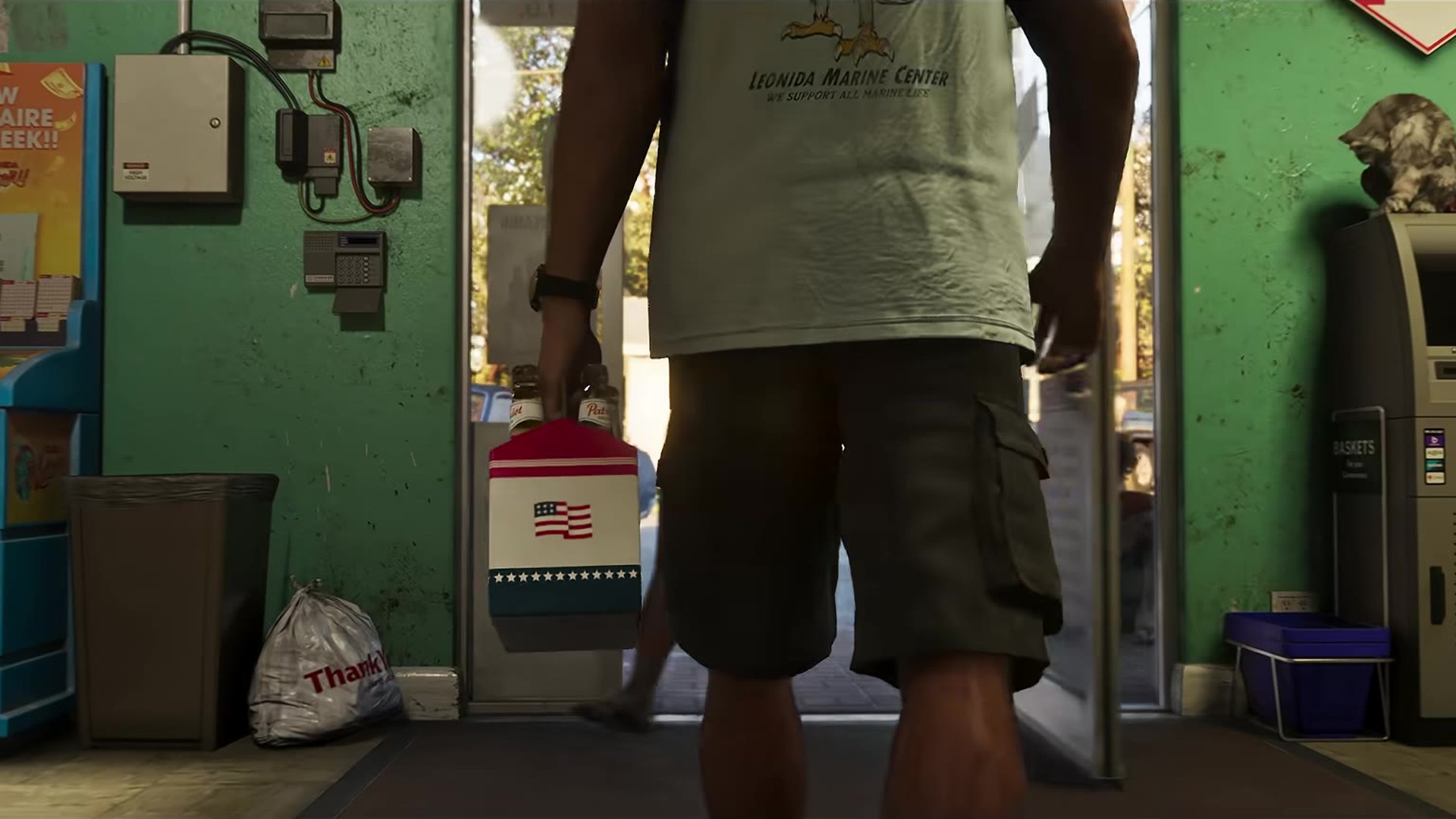
Moving the $100 into Family Savings in the BuckMe app
That night, back at Jason’s house, BuckMe sends a welcome text with $100 for your new standard checking account. Walk over to Lucia. She explains you can share a savings account in the app, but once money goes in it can’t come out, and suggests putting some away for Tommy.
- Use your phone when the prompt appears and open BuckMe.
- Select your checking account. It holds the $100 from the welcome text.
- Move money into the Family Savings account. Pick Buck Yourself on the Family Savings card. The amount screen shows the full $100, so press Buck Yourself again.
- Confirm the warning. The app says you will not be able to withdraw once the money is transferred. Bucking Complete means it worked.
The Family Savings card shows “$5,000 to next goal” before the move and $4,900 after.
What BuckMe changes about your cash after this mission
Once Buck Me is done, a tip says you can deposit cash into BuckMe at an ATM instead of using your stash, and another reminds you that cash in your stash stays safe if you are arrested or killed. Cash in Jason’s pocket does not.
Shops take pocket cash up to $999, and anything dearer comes out of your BuckMe balance. Deposits go through ATMs, not the phone app. Our GTA 6 money guide covers the stash, the mailbox and how much to put into savings in Chapter 1.
After Buck Me: Down to Earth with Brian and the Dodo
Brian calls next with a job for Jason. That is Down to Earth, where you fly the Dodo seaplane out to a pickup at sea. If Clean Up After Donnie is still on your map, it should be the one to finish first, since Down to Earth follows both. Picking up Lucia from prison happens one mission earlier, in our Coming Home walkthrough.
Mistakes in Buck Me
- Mistake: Looking for an account option with the teller. Fix: The teller sends you to the manager at the desk. Speak to him and follow him to the back office.
- Mistake: Moving money you still need. Fix: Family Savings can’t be withdrawn. The mission only asks you to move the $100 welcome deposit.
- Mistake: Trying to deposit cash through the phone. Fix: Cash goes into BuckMe at an ATM. The ATM Finder button in the app should set a route to one.
FAQ
Why can’t Jason get a bank account in GTA 6?
The Fleeca manager says his credit is too poor for an account or a mortgage, and that he needs to build it up first. He sets Jason and Lucia up with BuckMe instead.
Can you withdraw from BuckMe Family Savings?
No. The transfer screen warns that you won’t be able to withdraw once the money is moved, and Lucia says the same.
What is the BuckMe savings goal?
The Family Savings card shows $5,000 as the first goal.
Is it called Buck Me or BuckMe?
The mission title card spells it as two words, Buck Me. The app itself is BuckMe, one word.
Checklist
0 of 5
Next mission: Down to Earth
Down to Earth is mission 14 of 22 in Chapter 1: Brian sends Jason to fly the Dodo out to a pickup at sea, make the cargo drops with Lucia, then get home before her parole officer does. Our Down to Earth walkthrough covers every drop. The mission before this one is Clean Up After Donnie, and every mission in order is in our GTA 6 walkthrough.
Source & credit
Grand Theft Auto VI is developed and published by Rockstar Games. Objectives, app screens and on-screen text were checked against full mission playthroughs from GTA Series Videos and Sirloin. Images are official Rockstar Games trailer frames.