The short answer
- Open it
- Press up on the d-pad on PS5 or Xbox, then move between apps with the d-pad. It works on foot and while driving.
- Apps
- WhatUp (messages), Contacts, Camera, Gallery, Snapmatic, Fitness, News, Weather and Settings from the start. The story adds BuckMe, WAiNK, Scooter Bros and Vice City Real Estate.
- Dialing numbers
- You can’t. There is no keypad and no 911. You call people from Contacts, such as Joey for your car or Paradise Taxi for a ride.
- Photos
- The Camera app takes photos and selfies into the Gallery. For proper shots use Photo Studio in the pause menu.
- D-pad up
- Opens the phone
- 13
- Apps found so far
- 0
- Numbers you can dial
- Pause menu
- Photo Studio
- 6 min
- Read time
- Nov 2026
- Checked on
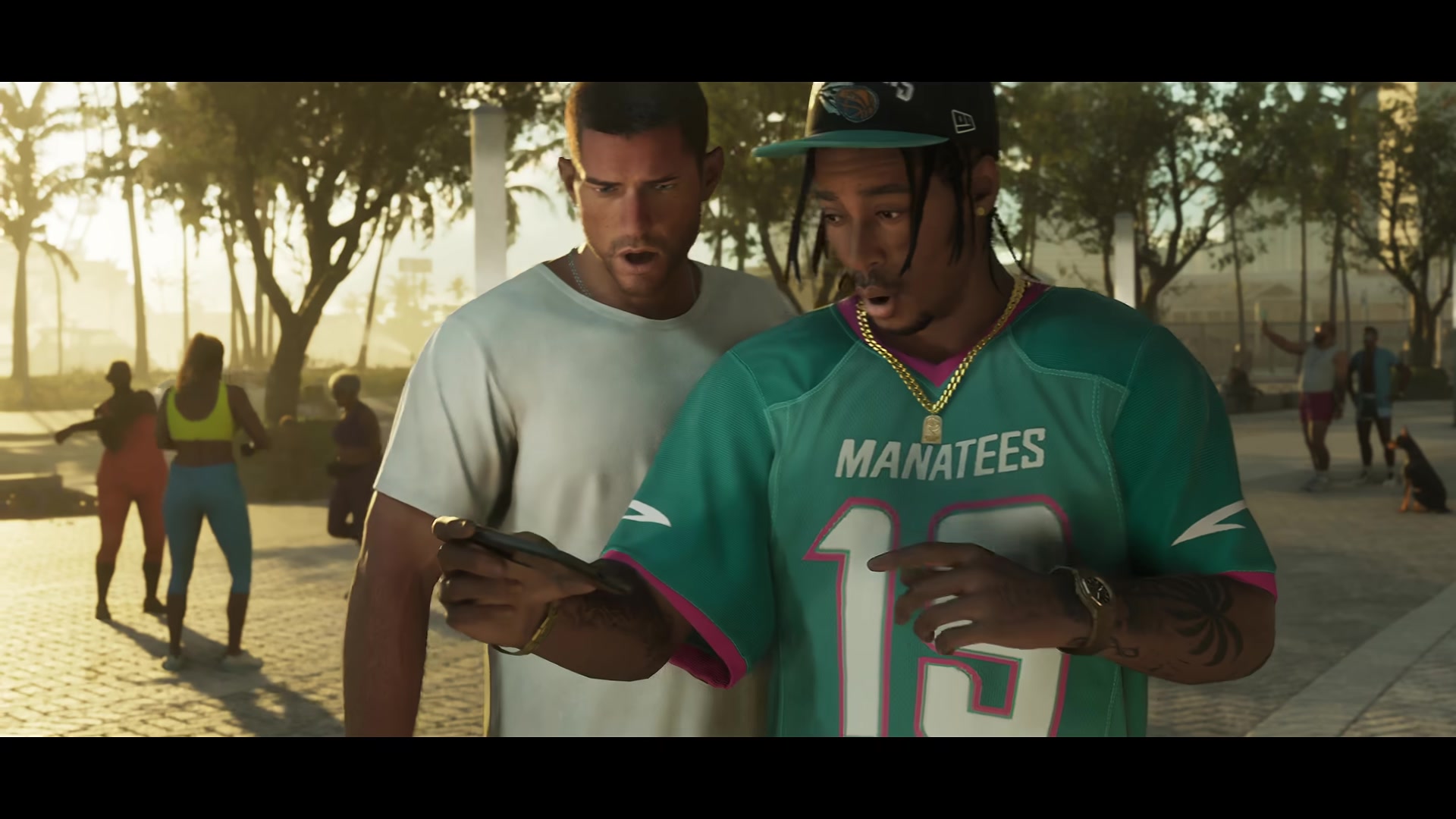
Press up on the d-pad to open the phone
Up on the d-pad pulls the phone out on both PS5 and Xbox with the default control scheme. Use the d-pad to move across the app grid and the confirm button to open one.
The phone works while you drive, which is handy for setting a taxi or a car delivery without stopping. On the home screen, Square on PS5 (X on Xbox) should bring up your reminders at the top.
By default the camera pulls in tight behind your character so you can see the screen. If you’d rather look at the phone in your character’s hand, go to Settings > Camera > Comfort > Phone Display and pick First Person. It’s the only first-person view in the game. Our GTA 6 settings and controls guide has the full button layout.
Every GTA 6 phone app and when it unlocks
Nine apps are on the phone from the first time you open it. The other four arrive through story missions.
| App | What it does | When you get it |
|---|---|---|
| WhatUp | Text messages. Story contacts and side characters reach you here, and the old texts already on the phone are worth a read. | From the start |
| Contacts | The only way to make a call. Pick a name and call them. | From the start, names added as you meet people |
| Camera | Photos and selfies, saved to the Gallery | From the start |
| Gallery | The photos you’ve taken | From the start |
| Snapmatic | Leonida’s social feed: posts, videos, comments and profiles | From the start |
| Fitness | Tracks food, workouts and sleep, and warns you when you’re about to gain weight | From the start |
| News | In-world headlines | From the start |
| Weather | The Leonida forecast | From the start |
| Settings | Phone options. The Cop Scanner lands here. | From the start; Cop Scanner from Unwanted Attention (Chapter 1) |
| BuckMe | Your bank account. Shops take pocket cash only up to $999, and the rest comes out of BuckMe. | The mission Buck Me, late in Chapter 1 |
| WAiNK | Point the camera at a car to see its locks, tracker, sale value and Cost to Register | In use by the Chapter 2 mission Moses |
| Scooter Bros | Manages your registered cars and has one delivered to you for a fee | End of Moses (Chapter 2) |
| Vice City Real Estate | Buy garages for registered cars | After Daily Driver (Chapter 2) |
BuckMe, WAiNK, Scooter Bros and Real Estate
Jason ends up with BuckMe because his credit is too poor for a normal account, and it comes with transaction limits that rise as the story goes on. Deposit cash at any ATM once the mission is done. Our GTA 6 money guide covers what to put in it before Chapter 2.
WAiNK, Scooter Bros and Vice City Real Estate are the car apps. Scan before you steal, register through Moses, then park in a garage you bought. Our guide to keeping and registering cars walks through all three. WAiNK has one more trick: scanning the gas mask poster in The Vault nightclub should add Vault Radio to your radio wheel, which our radio stations guide lists.
Cop Scanner
Cal installs it during Unwanted Attention, and you’ll see “Cop Scanner Installed” under Settings. From then on you hear police radio and get a warning when units are dispatched to an area, which helps when you’re trying to lose a wanted level.
Snapmatic
Scroll the feed with the d-pad. Some posts are videos you can play. Press Options on a post to open that person’s profile and see the rest of their posts, and like a post to keep it in your saved posts. Characters you know may also send you Snapmatic posts. You can read and like, but you can’t upload your own photos to it.
Contacts worth calling: Joey, Paradise Taxi and Kirk
Contacts fill up as the story introduces people. These are the calls that do something useful outside missions.
- Joey (Coastal Auto Care). After Just a Scratch, call Joey and someone delivers Jason’s car to you, repaired, at no charge.
- Paradise Taxi. Call for a cab and pick a destination, such as your house or your car. A trip should cost around $100. Our character switching guide covers taxis as a way across the map.
- Kirk. The Skunk Ape hunter from the Strangers and Freaks side quests. Calling him gets his voicemail: he’s in Pelican Valley near Thorp Adventures most evenings, so head there in the evening to find him and start Skunk Apeology 101.
Some contacts message you instead of waiting for a call. Wyman, for example, gets in touch on WhatUp once you’ve collected the Dominator in Chapter 2, if you own the Classic Car Collection bonus.
There is no keypad, so you can’t dial numbers or call 911
Unlike GTA 4 and GTA 5, the phone has no number pad. Contacts is the only way to place a call, so there’s no 911, no calling police or an ambulance to a crash, and no ringing random numbers. There’s no web browser either.
Numbers still turn up around Leonida. These are the ones found so far:
| Number | Where it is | What happens |
|---|---|---|
| 461-555-0139 | The “Have You Seen Skunk Ape???” poster that tells you to call Kirk | You can’t type it in. Kirk’s quest starts in Pelican Valley, and our Easter eggs guide covers the Skunk Ape. |
Cheat codes entered on the phone aren’t confirmed to work at launch, so we don’t list any here.
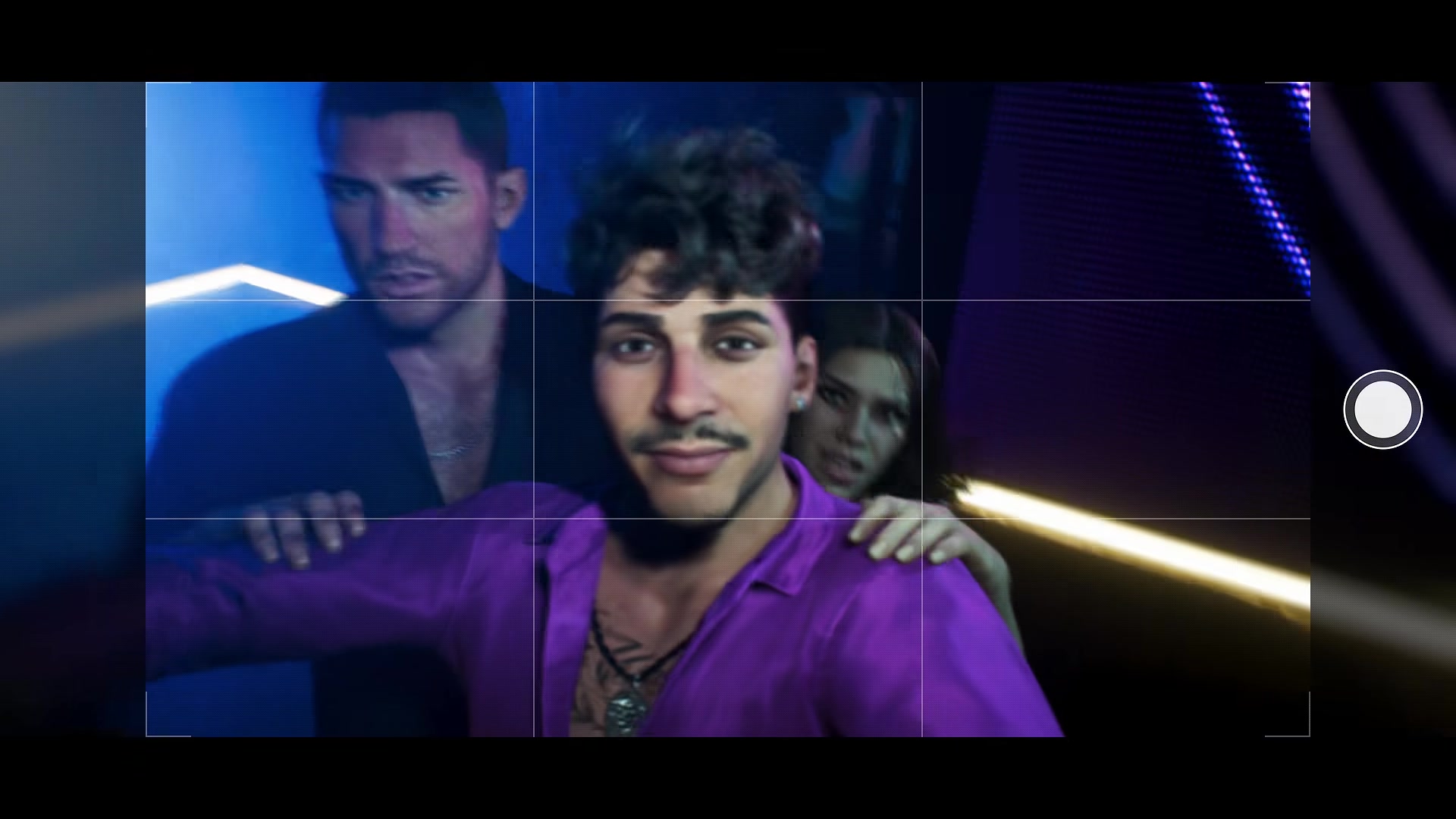
How to take photos and selfies with the phone camera
- Press up on the d-pad and open Camera.
- Line up the shot with the grid and press the shutter button shown on screen.
- For a selfie, turn the shot around so your character is in frame.
- Find the shot later in Gallery.
At night the camera should turn on a flashlight. People react to it, too: point it at an arrest and an officer may step in to block your shot.
The Gallery seems to hold only a small number of photos, and there’s no way to upload or export them yet.
Photo Studio is the real photo mode
For screenshots worth keeping, press Options on PS5 (Menu on Xbox) and open the Photo Studio tab of the pause menu. It pauses the scene, and you should be able to adjust exposure, contrast and shadows, add your own lights and stack filters, even underwater.
Phone mistakes in GTA 6
- Mistake: Looking for a dial pad to call 911. Fix: There isn’t one. Call from Contacts only.
- Mistake: Paying for repairs before checking Joey. Fix: After Just a Scratch, a Joey delivery repairs Jason’s car for free.
- Mistake: Stealing a car without scanning it. Fix: Open WAiNK first. It shows the tracker and what the car is worth.
FAQ
How do you open the phone in GTA 6?
Press up on the d-pad on PS5 or Xbox. The d-pad then moves between apps.
How do you dial a number in GTA 6?
You can’t. The phone has no keypad. Calls go through the Contacts app only.
Can you call 911 in GTA 6?
No. There is no emergency number and no way to call the police or an ambulance.
How do you take a selfie in GTA 6?
Open the Camera app from the phone and turn it around on your character. Photos go to the Gallery.
Where is photo mode in GTA 6?
It’s called Photo Studio and is a tab in the pause menu.
How do you see the reels on the phone?
Open Snapmatic and scroll. Video posts play when you select them, and Options opens the poster’s profile.
Can you use the phone in first person?
Yes. Set Settings > Camera > Comfort > Phone Display to First Person.
Checklist
0 of 9
Source & credit
Grand Theft Auto VI is developed and published by Rockstar Games. App names, controls and phone behaviour were cross-checked against launch-day footage and player threads on r/GTA6, r/GTAVI and r/GTA. Screenshots are from Rockstar’s official Trailer 2.