The short answer
- Won’t start yet?
- GTA 6 unlocks at midnight local time on November 19, 2026, in every region, on PS5 and Xbox Series X|S. Until then a pre-loaded copy can’t be played. Rockstar has not announced an early unlock.
- Pre-load stuck or missing?
- Rockstar sends you to Sony’s and Microsoft’s own download fixes: check the network status page, update the console, check free space, then pause and resume (PS5) or check the install queue (Xbox). Steps for both are below.
- Not enough space?
- Rockstar asks for up to 212 GB free. Microsoft lists the Xbox download at 225.3 GB. On PS5 it must sit on the internal drive or an M.2 SSD. On Xbox it must sit on the internal SSD or a Storage Expansion Card.
- Bonus items missing?
- The pre-order pack items arrive “as their story progresses”, and Ultimate Edition items are “uncovered behind each chapter”. They are not all handed over at the start.
- 12:00 AM
- Local unlock, Nov 19
- 212 GB
- Free space Rockstar asks for
- 225.3 GB
- Xbox download size
- Nov 19
- Last day for digital bonus
- 9 min
- Read time
- Nov 17, 2026
- Checked on
Rockstar has not confirmed any GTA 6 launch issues yet
GTA 6 is not out yet, so there are no confirmed launch bugs. This section is where we add problems once Rockstar, Sony or Microsoft acknowledge them, with the official fix or workaround and the time we checked. Everything further down this page is pre-launch help taken from official support pages.
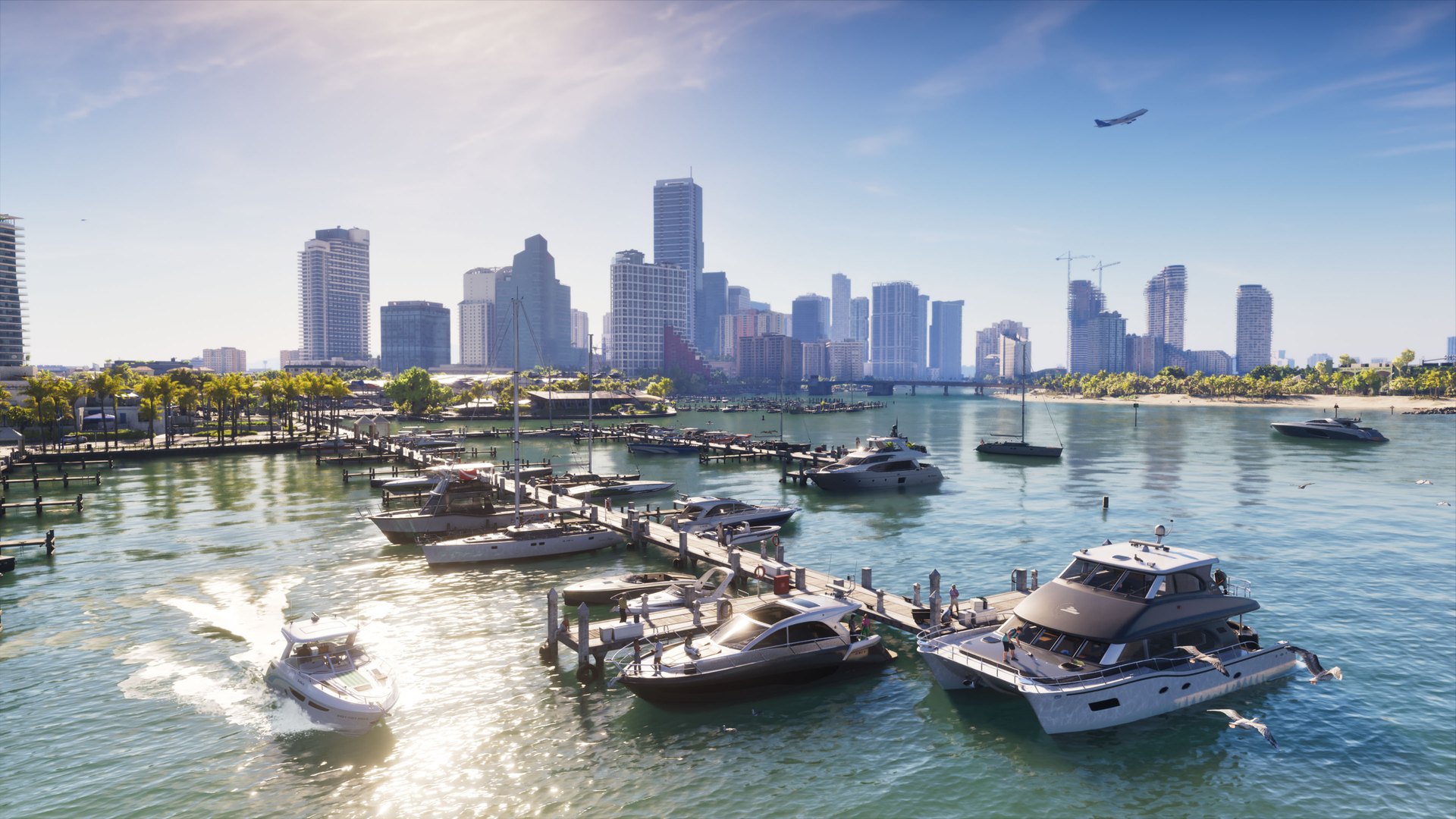
GTA 6 won’t start before midnight local time on November 19
Rockstar’s support site says GTA 6 “will release midnight local time on November 19, 2026, in all regions for both PlayStation 5 and XBOX Series X|S.” If you pre-loaded it and it won’t launch on the evening of November 18, nothing is broken. It is still locked.
- PS5: Sony’s pre-order guide says your pre-ordered game sits in your Game Library with “a timer counting down to the game’s release.” While that timer is running, the game can’t be played.
- Xbox Series X|S: Microsoft’s pre-order FAQ says you can play “as soon as it’s released in your region, usually shortly after 12:00 AM local time on the release date.” It adds that in countries with more than one time zone, “there may be a delay in some zones.”
Because it is midnight local everywhere, players further east reach November 19 first. New Zealand and Australia get in hours before Europe and the Americas. That is our reading of “midnight local time”, not a separate Rockstar timetable. Our GTA 6 release time and pre-load guide has the full schedule.
Xbox says you don’t own the game
Microsoft’s answer to “I got a message saying that I don’t own the game when I try to launch it” is that the pre-order was either canceled or “we were unable to bill your payment method in time for the game launch.” Microsoft charges card pre-orders around 10 days before release and retries once a few days after a failed charge. If both attempts fail, the pre-order is canceled and you need to buy the game again. Check Payment & billing > Order history on your Microsoft account to see if the purchase shows as “Completed.”
Pre-load stuck, not starting or missing: the official fixes on PS5 and Xbox
Pre-loading opened on November 10: at midnight local time on PS5, and at 12 a.m. GMT on Xbox. Rockstar’s “Issues installing Grand Theft Auto VI” article doesn’t add its own steps. It points PS5 players to Sony’s download troubleshooter and Xbox players to Microsoft’s install troubleshooter. These are the steps from those two pages.
PS5: download won’t start or is stuck
- Check the PlayStation status page. If there are alerts, wait for the service to recover.
- Update the console: Settings > System > System Software > System Software Update and Settings.
- Open Downloads/Uploads in the control center, select GTA 6, then Pause and Resume.
- Still stuck? Select Cancel and Delete, find the game in your Game Library and download it again.
- Check free space (see the storage section below).
- For a stuck download, test your connection: Settings > Network > Connection Status > Test Internet Connection.
- Last resort: start the PS5 in Safe Mode and choose Clear Cache and Rebuild Database.
PS5: game shows a padlock or isn’t in your library
Sony says a padlock icon “could mean there’s a problem with the game’s license.” Make sure you’re signed in to the account that bought the game and check its transaction history. Then go to Settings > Users and Accounts > Other > Restore Licenses, or highlight the game, press the Options button and select Restore License. Sony says restoring licenses “won’t affect your data.” If someone else on the console owns the copy, they need Console Sharing and Offline Play turned on. Also check that the game isn’t hidden in your library.
Xbox Series X|S: download doesn’t start or fails
- Check the Xbox status page.
- Sign in with the profile that bought the game.
- Open the guide, select the Notifications icon and look for low-storage warnings.
- Check for a system update: Profile & system > Settings > System > Updates. Microsoft says a “Download stopped” error can mean an update is needed first.
Xbox: download is slow or stuck at “Queued”
Go to My games & apps > Manage > Queue to see the speed. Microsoft says background downloads are slowed while a game is running, so quit any running game or choose Suspend my game in the queue. After a restart, check the queue: if GTA 6 shows Queued or Paused, select it, press the Menu button and choose Resume installation. Microsoft also suggests a wired connection or a 5 GHz Wi-Fi band, and running big downloads overnight.
Xbox: game isn’t in My games & apps
Search the Store for GTA 6 and select the edition you pre-ordered. If the purchase went through, you get an Install button and won’t pay again. Microsoft’s warning: if you see a price instead of Install, don’t buy it, or you may be charged twice. Check your order history first.
Automatic pre-load didn’t happen
Rockstar’s pre-load FAQ says PS5 owners need auto-downloads turned on and the console on or in Rest Mode. Xbox owners need automatic updates turned on and the console on or in Sleep mode. On PS5, Sony also asks you to turn on Stay Connected to the Internet, then select the countdown timer on the game in your Game Library and tick the content you want downloaded.

GTA 6 needs up to 212 GB free, and the Xbox download is 225.3 GB
Rockstar’s installation requirements page says GTA 6 “will require up to 212 GB of available space depending on your device.” Microsoft’s store catalog listed the Xbox package at 225,336,647,680 bytes when we checked on November 17. That’s 225.3 GB in the decimal units stores use, or 209.9 GB in the binary units consoles often show. Sony’s store page doesn’t list a PS5 size. To see the space a PS5 game needs, Sony says to go to your Game Library, select the game, then … (more) > View Product. The minimum free space is shown on the right.
| What to do | PS5 | Xbox Series X|S |
|---|---|---|
| Check free space | Settings > Storage | Profile & system > Settings > System > Storage devices |
| Delete games | Settings > Storage > Console Storage > Games and Apps, then Delete | My games & apps > See all > Manage > Free up space |
| Park games on a USB drive | USB extended storage (250 GB to 8 TB, SuperSpeed USB 5 Gbps or faster). PS5 games can’t be played from it | External USB 3.0 drive of 128 GB or more. Series X|S optimized games must be moved back to play |
| Add fast storage GTA 6 can run from | An M.2 SSD: PCIe Gen4 x4 NVMe, 250 GB to 8 TB, 5,500 MB/s or faster recommended, with a heatsink or similar cooling | Storage Expansion Card for Xbox Series X|S |
Both platforms say deleting a game doesn’t remove your license. Sony says you can re-download purchases “whenever you like.” Microsoft says your license and game progress stay in the cloud. Moving a game to USB storage instead of deleting it saves you a re-download later.
On Xbox, Microsoft says “Optimized for XBOX Series X|S” games must be installed on the internal SSD or a Storage Expansion Card. Microsoft’s catalog data flags GTA 6 as optimized for Series X|S, so plan around that. On PS5, an M.2 SSD is the only add-on drive you can play PS5 games from.
Series S and 500 GB consoles
Microsoft says its consoles ship with 500 GB, 1 TB or 2 TB drives, and some of that is reserved, so “even with no games installed, you won’t see the full” capacity free. A 225.3 GB download takes a big share of a 500 GB drive. Our report on the 225 GB Xbox download has the numbers. Microsoft’s other space savers: Clear local saved games under Settings > System > Storage (your saves stay in the cloud), and the Free up space list, which suggests games you may want to remove.
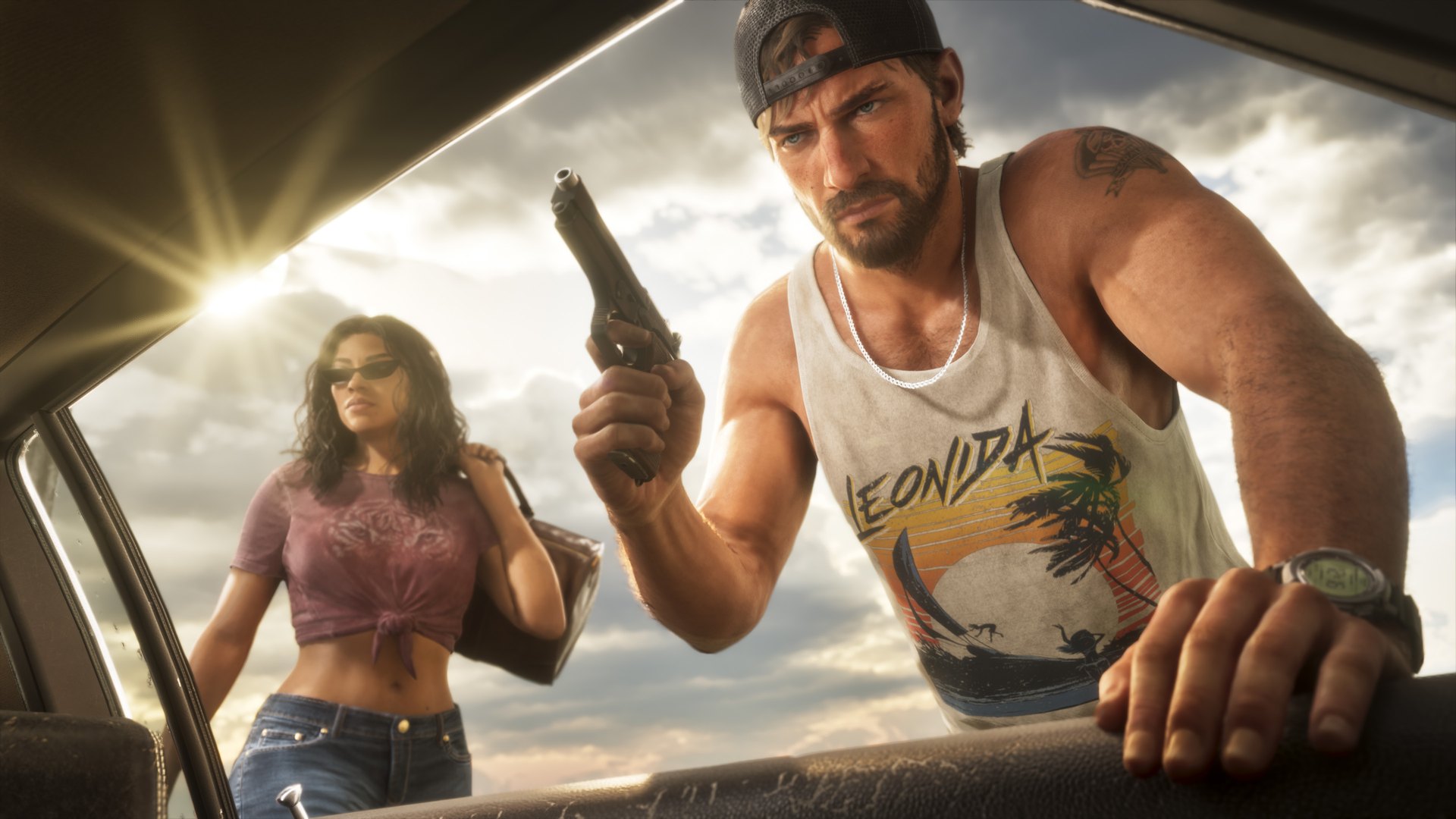
Boxed copies hold a download code: redeem it on the console’s store
Rockstar says the physical version “will contain a download code that can be used for the digital download of the game. A disc will not be included in the box.” Physical pre-orders get “one code for digital download of Grand Theft Auto VI and the Vintage Vice City Pack.” The code works for pre-loading as soon as you have it. Rockstar’s activation article sends both boxed copies and gifted codes to the console makers’ redeem pages.
Redeem on PS5
- On the console: go to PlayStation Store, press the triangle button, select … (More) > Redeem Code, enter the code and select Redeem. Then select Download.
- Online: go to PlayStation Store, select your profile, choose Redeem Code, enter the code and select Continue.
Sony says PlayStation Store voucher codes are 12 digits, can only be used once, and can’t be moved between accounts, so redeem on the right account. If the content doesn’t show up, Sony suggests restarting the console, signing out and back in, and checking you’re on the account that redeemed the code.
Redeem on Xbox
- On the console: press the Xbox button, select Store, press the View button, select Redeem, enter the code and select Next.
- Online: go to xbox.com/redeem.
Microsoft says Xbox codes are 25 characters in five blocks (XXXXX-XXXXX-XXXXX-XXXXX-XXXXX). Microsoft notes that you may need to add a payment method before redeeming, though you won’t be charged for the code. Codes can’t be redeemed if your account is suspended or has a balance due, and redeemed codes can’t be moved to another account.
PlayStation codes only work on accounts from the region they were sold in
Rockstar’s rule: “Region restrictions for code redemptions of Grand Theft Auto VI are based on the region associated with your platform account.” Rockstar recommends buying from a retailer in the same country as your console account. On Xbox, Rockstar says the codes “are not region-locked.” On PlayStation, codes only work on accounts registered in the same group of countries:
| Code sold in | Works on PlayStation accounts from |
|---|---|
| North America | Canada, United States |
| United Kingdom | United Kingdom only |
| Rest of EMEA and Asia | Austria, Belgium, Bulgaria, Croatia, Cyprus, Czechia, Denmark, Finland, France, Germany, Greece, Hungary, Iceland, India, Ireland, Israel, Italy, Luxembourg, Malta, Netherlands, Norway, Poland, Portugal, Romania, Slovakia, Slovenia, South Africa, Spain, Sweden, Switzerland, Turkey, Ukraine |
| Oceania | Australia, New Zealand |
| Brazil | Brazil |
| LATAM | Argentina, Bolivia, Chile, Colombia, Costa Rica, Ecuador, El Salvador, Guatemala, Honduras, Mexico, Nicaragua, Panama, Paraguay, Peru, Uruguay |
| Japan | Japan. Rockstar says Japanese codes expire 170 days after launch day |
| Korea | South Korea |
| Saudi Arabia and UAE | Saudi Arabia, United Arab Emirates |
| Rest of Asia | Hong Kong, Indonesia, Malaysia, Singapore, Taiwan, Thailand |
The UK is its own group, so a UK code won’t work on an Irish or other European account, and the other way round. Rockstar’s pre-order FAQ says purchase, refund and delivery questions for copies bought outside the Rockstar Store go to the retailer you bought from. Microsoft’s redeem page adds that some Xbox codes are meant for a specific country, and asks you to make sure your Microsoft account region matches where you live.
Pre-order bonus and Ultimate Edition items unlock as the story goes on
If you start GTA 6 and can’t find the ’55 Vapid Stanier, the outfits or the Grotti Cheetah, that matches what the official listings say. Microsoft’s store listing for the Vintage Vice City Pack says: “All items will be available to Jason and Lucia as their story progresses.” Rockstar’s support page says Ultimate Edition bonuses are “threaded across all aspects of Jason and Lucia’s story, with new items uncovered behind each chapter.” No official source says which mission or chapter unlocks which item.
- Who gets the pack: digital purchases of either edition before November 20 (Rockstar’s wording), which Microsoft and Sony give as the end of November 19. Boxed pre-orders get the pack through the same code as the game.
- Xbox: Microsoft says pre-order incentives you don’t see right away arrive “the same day that your pre-order is available.” To check add-ons, open My games & apps > See all, highlight GTA 6, press the View button and look in the add-on list.
- PS5: Sony lists “You can’t locate a game or add-on” as a reason to restore licenses (Settings > Users and Accounts > Other > Restore Licenses).
The full item list for both editions is in our editions and pre-order bonus guide. We’ll add where each item turns up once players reach it.
The free GTA+ month is claimed separately, and boxed copies don’t get it
Rockstar lists one month of GTA+ only for digital pre-orders and purchases made before November 20. The boxed copy’s contents list doesn’t include it. The month doesn’t start on its own. You claim it.
PS5
Sony’s offer terms say you get a confirmation email with redemption steps. Then visit the GTA+ product page on PlayStation Store and follow the on-screen steps “at no extra cost.” Claim by March 31, 2027. Existing subscribers get the month added on. The terms also say the membership “will continue monthly at the regular monthly price until canceled,” so note the renewal date shown on screen and cancel in Subscriptions Management if you don’t want to pay. One claim per account, only on the account that bought the game. The Ultimate Edition Upgrade doesn’t qualify. The offer excludes the Bahrain, China, Kuwait, Lebanon, Oman, Qatar and Russian Federation stores.
Xbox Series X|S
Microsoft’s listing says you get a pop-up notification on your console when the month is ready. Open the Store, select your profile icon in the top left and choose Offers & credits. On the web, go to xbox.com/play/user, select your profile icon and choose Offers & credits. Redeem within 180 days after placing your pre-order. Child accounts with restrictions on age-restricted content can’t redeem it. One redemption per account.
Rockstar’s GTA+ benefits list is for GTA Online. It hasn’t said what, if anything, GTA+ adds inside GTA 6.
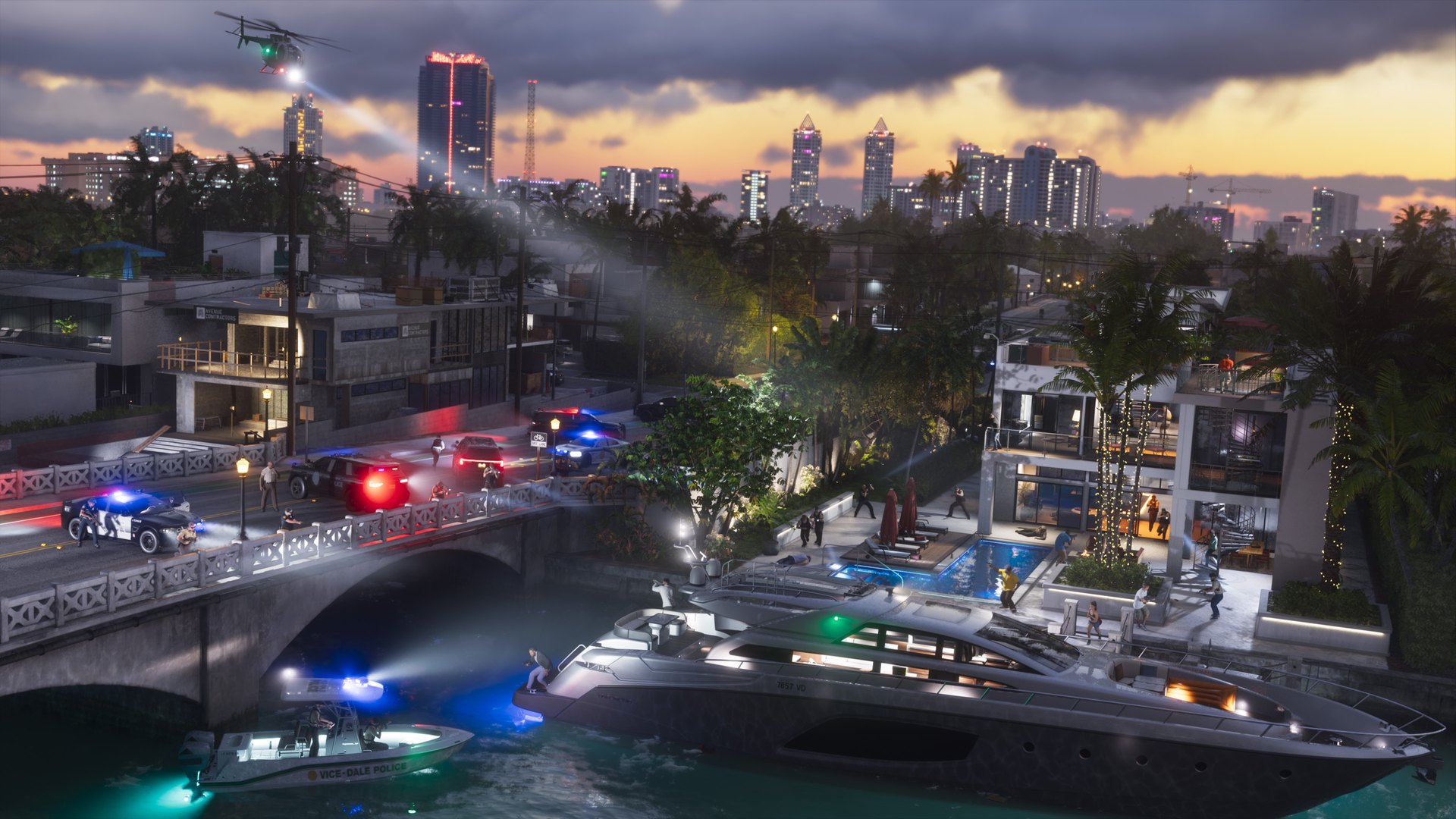
Three status pages to check before you troubleshoot
If downloads fail or the store won’t load, check whether the problem is on the network side first. Sony and Microsoft both make this the first step.
- Rockstar: support.rockstargames.com/servicestatus. On November 17 it listed GTA Online, Red Dead Online, Online Services (Authentication, Rockstar Games Launcher, Store) and Cfx. It had no separate GTA VI row yet. The console store listings describe GTA 6 as “a single-player experience.”
- PlayStation Network: status.playstation.com.
- Xbox network: support.xbox.com/xbox-live-status. Microsoft says you can expand a service with an alert and sign in to get a message when it’s back.
Who to contact: Rockstar, Sony, Microsoft or the store you bought from
Rockstar splits support by where you bought the game:
- Digital copy from PlayStation Store or Microsoft Store: Rockstar directs purchase questions to PlayStation Support or Xbox Support. Sony asks for any error codes or messages, a description and steps to reproduce, the date and time you tried, and a screenshot or video if possible.
- Boxed copy from the Rockstar Store: purchase, cancellation and tracking help comes from Xsolla, which Rockstar names for Rockstar Store orders, at help.xsolla.com. Your shipping email has a tracking link.
- Boxed copy from another retailer: Rockstar says purchase, refund and delivery questions go to that retailer.
- Game problems: Rockstar Support takes requests at support.rockstargames.com/request and says it’s “available to assist you 24/7.”
For everything else Rockstar has confirmed about the game, see everything we know about GTA 6 and our GTA 6 hub.
FAQ
Why can’t I play GTA 6 after pre-loading it?
It stays locked until midnight local time on November 19, 2026. On PS5 the Game Library shows a countdown timer until then. On Xbox, Microsoft says games usually unlock shortly after 12:00 AM local time on release day.
What time does GTA 6 unlock?
Midnight local time on November 19, 2026, in every region, on both PS5 and Xbox Series X|S, according to Rockstar Support.
Why is my GTA 6 pre-load stuck?
Rockstar points to Sony’s and Microsoft’s download troubleshooters. Check the network status page, update the console and check free space. Then pause and resume the download on PS5, or check the Manage > Queue screen and quit running games on Xbox.
How much space does GTA 6 need?
Up to 212 GB of free space, depending on your device, says Rockstar. Microsoft lists the Xbox download at 225.3 GB.
Can I play GTA 6 from an external drive?
Only from fast storage. On PS5, PS5 games can’t run from USB extended storage, but they can run from an internal M.2 SSD. On Xbox, games optimized for Series X|S must be on the internal SSD or a Storage Expansion Card.
Is there a disc in the GTA 6 box?
No. Rockstar says the box contains a download code and “a disc will not be included.” Redeem it on PlayStation Store or at xbox.com/redeem.
My GTA 6 PlayStation code says it’s for another region. What now?
PlayStation codes only work on accounts from the region group they were sold for, and the UK is its own group. Rockstar says questions about copies bought outside the Rockstar Store go to the retailer you bought from. Xbox codes are not region-locked, per Rockstar.
Where are my GTA 6 pre-order bonus items?
Microsoft’s listing says the Vintage Vice City Pack items become available “as their story progresses.” Rockstar says Ultimate Edition items are “uncovered behind each chapter.” They don’t all arrive at the start.
How do I claim the free month of GTA+?
On PS5, follow the confirmation email and claim from the GTA+ product page by March 31, 2027. On Xbox, open Store, select your profile icon and choose Offers & credits within 180 days of your pre-order. Boxed copies don’t include it.
Is GTA 6 down right now?
Check support.rockstargames.com/servicestatus, status.playstation.com and the Xbox status page. As of November 17, Rockstar’s page had no separate GTA VI row, and we list confirmed launch problems in the known issues section at the top of this page.
Checklist
0 of 8
Source & credit
Grand Theft Auto VI is developed and published by Rockstar Games. Every fix on this page comes from an official support page: Rockstar Support’s Grand Theft Auto VI articles, Rockstar’s service status page, PlayStation Support and its GTA+ offer terms, Xbox Support, and Microsoft’s store listing. We checked them on November 17, 2026, and we will add launch-day problems to the known issues section only once an official source confirms them. Images are official Rockstar Games screenshots from the Grand Theft Auto VI launch gallery.