The short answer
- How to save
- Open the pause menu (Options on PS5, Menu on Xbox), go to Game, pick Save Game and choose a slot. You don’t need a bed or a safehouse.
- Save slots
- 15 manual slots, plus a separate (Autosave) entry the game manages itself.
- Autosave
- The game autosaves after you finish a mission. You can’t turn it off, and it won’t save you mid-mission.
- When you can’t save
- Not during the Prologue, not during a mission, and saving may be switched off after you use a cheat. In a mission, the pause menu offers Retry Checkpoint and Restart Mission instead.
Hunting trophies? Our GTA 6 trophy list explains why a spare save before each chapter matters for the Platinum.
Jump to the save steps- 15
- Manual slots
- 1
- Autosave entry
- After
- Each mission autosaves
- None
- Saves in the Prologue
- 5 min
- Read time
- Nov 2026
- Checked on
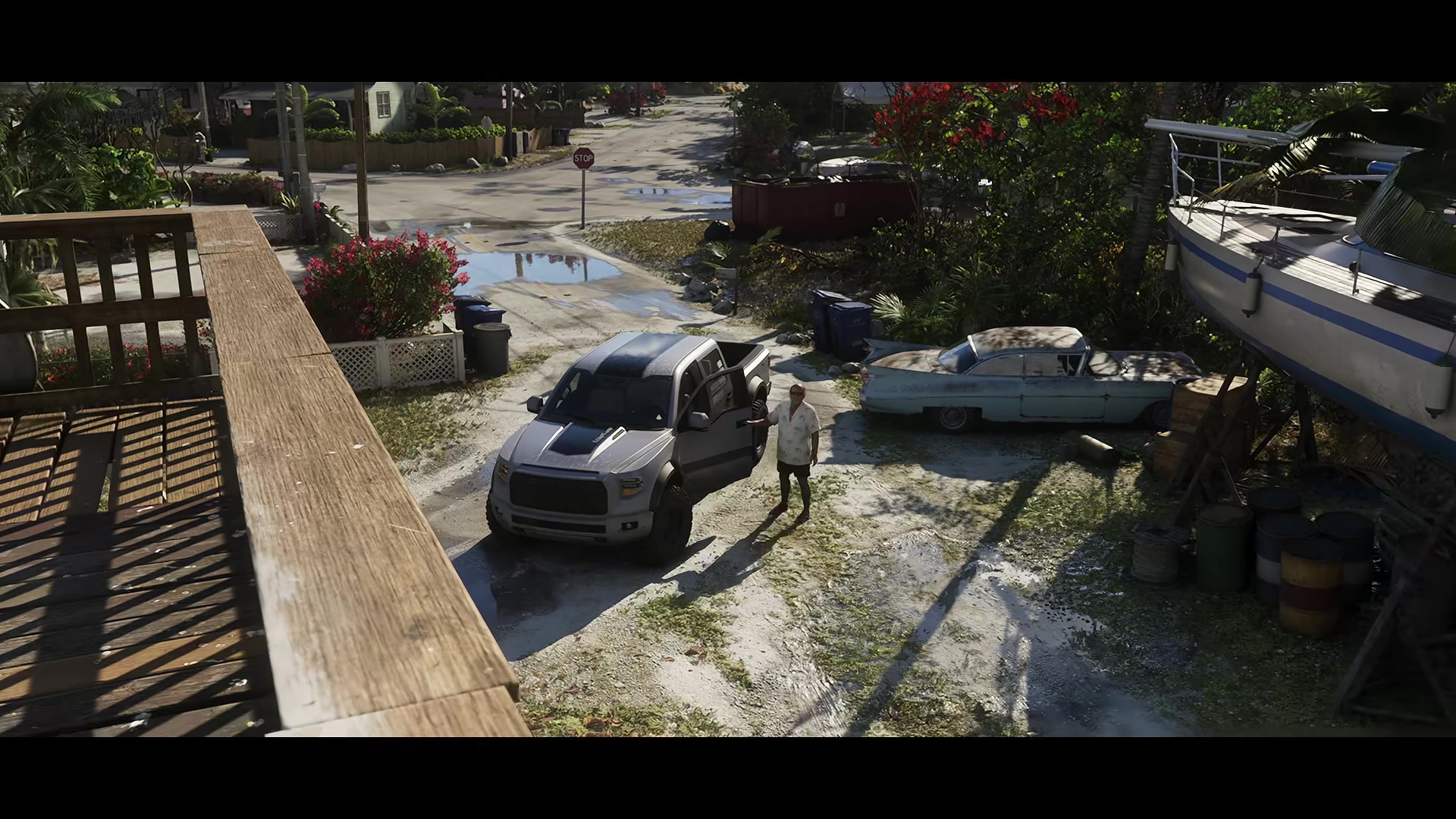
Manual saves are in the pause menu under Game, Save Game
- Press Options (PS5) or Menu (Xbox) to open the pause menu. The tabs are Map, Game, Store, Help, Photo Studio and Settings.
- Select Game. It holds three options: Save Game, Load Game and New Game.
- Select Save Game and pick an Empty Slot, or a used slot to overwrite it.
- Confirm. If you’re overwriting, the game asks “Overwrite saved game?” and the old save is gone for good once you say yes.
The save works wherever you are in free roam: on a Vice City sidewalk, in the driveway at Jason’s house, beside the bed or out on a boat. You don’t need a separate quick save button: the pause-menu save works from anywhere, so it does the same job.
Each slot shows the name of the mission you’re on, your completion percentage and the date and time, plus a screenshot and a short summary of where the story is. The counter at the bottom of the list reads 1 / 15, so you have 15 manual slots in total. Highlight a used slot to Delete or Overwrite it.
GTA 6 autosaves after each mission, and you can’t switch it off
When you finish a mission, the game writes an autosave. It lives in its own entry in the Load Game list, labelled (Autosave) followed by the mission name and percentage, for example “(Autosave) Prologue (1%)”. It never takes up one of your 15 manual slots, and each new autosave replaces the last one.
Settings has no option to turn autosave off. If you want “clean” saves to go back to, make them yourself in a manual slot and only load those.
Autosave doesn’t cover what you do between missions. If you spend an hour on side activities, robberies or shopping and the console loses power, the game reloads your last autosave from the end of the previous mission. If you haven’t finished one yet, that means the Prologue. Save manually before you put the controller down.
You can’t save in the Prologue or mid-mission, and cheats should block it too
The Prologue has no manual saves
Save Game is greyed out for the whole Prologue. If the game crashes or the console turns off before you finish it, you start the Prologue again from the beginning. Get through it in one sitting, then make your first manual save as soon as the option unlocks.
No saving during a mission
Save Game only works when you’re not on a mission. During a mission the pause menu shows the mission name with two options:
- Retry Checkpoint takes you back to the last checkpoint inside the mission.
- Restart Mission starts the mission over from the beginning.
Quitting the game mid-mission sends you back to your last save.
Cheats should switch off saving
Cheats should only unlock after the story. Using one should disable saving for that session, so make a manual save in a spare slot first and only load cheats from a session you don’t need to keep.
Load a save from Game, Load Game
Open the pause menu, select Game, then Load Game. The list shows your manual saves and the autosave, with the same mission name, percentage and timestamp as the Save screen. Press the load button on the one you want. From the same list you can delete old saves.
There doesn’t appear to be a mission replay menu, so a manual save made just before a mission is the only way to play that mission again. If you want to try a big choice both ways, save in a fresh slot right before it.
Cloud saves need PS Plus on PS5 and sync for free on Xbox
On PS5, cloud storage is a PlayStation Plus benefit and comes with every tier. With it, GTA 6 saves upload to the cloud, so you can sign in on another PS5 and download your progress. If a save won’t load, you can try resyncing it from the cloud copy.
On Xbox Series X|S, game saves should sync to your Microsoft account automatically while you’re online, with no paid membership needed.
Launch bugs that make an older manual save worth having
- Painkillers in Chapter 2. The painkiller objective can stop advancing after the cutscene at Dunk’s trailer. Loading the latest autosave doesn’t fix it. You need a manual save from before it. Our GTA 6 walkthrough recommends a manual save before every Chapter 2 mission for this reason.
- Joey’s car repair. If you fully upgrade or reskin your car before Joey’s repair mission, the engine repair option may not appear, and you can’t leave the menu. Reloading a save from before the upgrade gets you past it.
- Crashes that cost progress. Crashes on PS5 and Xbox Series X|S are sending some players back hours, or to the start of the Prologue. Save manually every time you finish a chunk of free roam. Our GTA 6 not working guide covers the crash fixes.
- PS5 freezes while your save loads. If the game freezes a few seconds into auto-loading your save, try rebuilding the PS5 database and clearing the cache from Safe Mode. Resyncing the cloud save may not help.
Mistakes with GTA 6 saves
- Mistake: Trusting autosave between missions. Fix: It only saves at the end of a mission. Save manually after any long free roam session.
- Mistake: Overwriting one slot all game. Fix: Keep at least one older save. A broken objective, like the Chapter 2 painkillers, can only be fixed from before it happened.
- Mistake: Quitting mid-mission to save time. Fix: You can’t save in a mission. Finish it so the autosave fires, then quit.
- Mistake: Testing cheats on your main save. Fix: Save to a spare slot first, because a cheat should block saving for that session.
FAQ
How do you save in GTA 6?
Pause, select Game, then Save Game, and pick one of the 15 slots. It works anywhere outside a mission, so you don’t need a safehouse bed.
Does GTA 6 have autosave?
Yes. It autosaves after each mission into a separate (Autosave) entry. It can’t be turned off.
Is there a quick save in GTA 6?
There’s no separate quick save button. The pause-menu save works anywhere in free roam, so it does the same job.
How many save slots does GTA 6 have?
15 manual slots, plus the autosave entry.
Can you save during the GTA 6 Prologue?
No. Save Game is greyed out until the Prologue ends, and a crash during it starts you over.
Can you replay missions in GTA 6?
There’s no mission replay menu. Keep manual saves from before the missions you want to play again.
Why did I lose my progress in GTA 6?
Autosave only fires when a mission ends, so anything you did after the last mission is lost if the game crashes or the power cuts out. Save manually before you stop playing.
Checklist
0 of 7
Source & credit
Grand Theft Auto VI is developed and published by Rockstar Games. The save, load and autosave menus were checked against launch-day footage from Grand Theft Math, Mr Lawrence, Philminator, The Master Miner, KITE X, GuideZone and VVaby, along with player reports on r/GTA6, r/GTAVI and r/GTA. PS5 cloud storage details are from PlayStation’s PS Plus page. Screenshots are from Rockstar’s official Trailer 2.