The short answer
- Photo mode
- It’s called Photo Studio. Pause with Options (PS5) or Menu (Xbox) and pick the Photo Studio tab, or press Square (PS5) / X (Xbox) while the pause menu is open.
- Selfies
- Press up on the d-pad, open Camera and choose Selfie to flip to the front camera. Pose and Expression change how your character looks in the shot.
- Where photos go
- Photo Studio shots save to your console’s capture gallery. Phone photos and selfies stay in the in-game Gallery app with no export, so screenshot them with the console button if you want to keep them.
- Snapmatic
- You can browse, like and save posts, but you can’t upload your own photos to it.
- Pause menu
- Photo Studio
- Square / X
- Shortcut from pause
- D-pad up
- Phone camera
- 17
- Phone camera filters
- 0
- Photo trophies
- Nov 2026
- Checked on
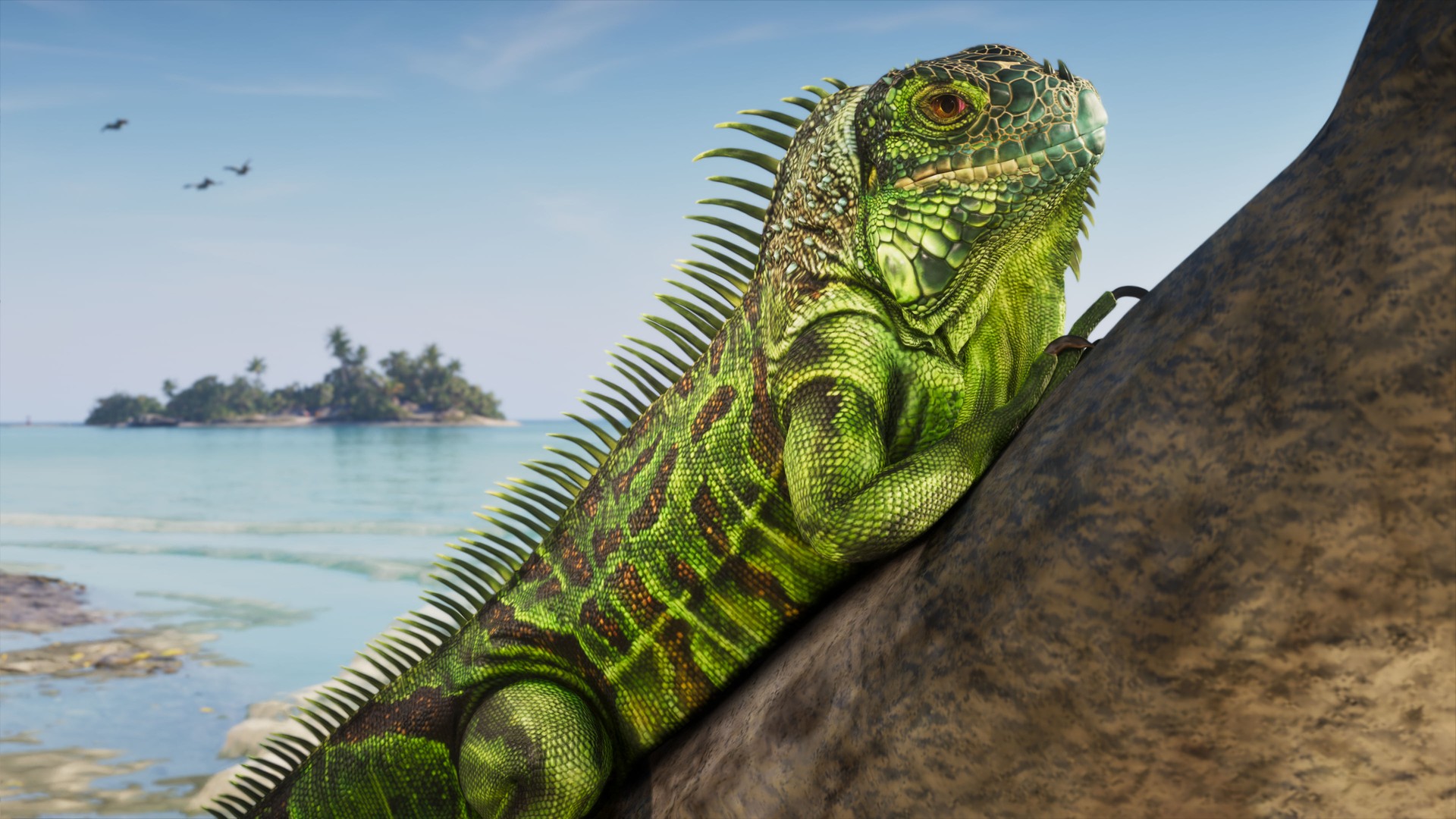
Photo Studio opens from the pause menu, or with Square/X after pausing
GTA 6’s photo mode is the Photo Studio tab of the pause menu, between Help and Settings. It’s there from Lucia’s prologue, so you don’t have to unlock anything.
- Press Options on PS5 or Menu on Xbox Series X|S to pause.
- Move across to the Photo Studio tab, or press Square (PS5) / X (Xbox) as a shortcut.
- The scene freezes where you paused and you get a free camera around your character.
It works during cutscenes too, but some settings show “Currently Unavailable” there. The same goes for the cinematic driving camera: pause during an auto-drive and you can still nudge the camera and add lights, but expect fewer controls than on foot.
The camera is kept on a short leash. It won’t travel far from Jason or Lucia, so empty landscape shots from a distance aren’t really possible, and it bumps into nearby objects in tight spaces. You also can’t change the weather or the time of day from Photo Studio. Pause at golden hour if that’s the light you want.
Photo Studio settings: depth of field, lights, filters and effects
The options fall into camera, image and lighting groups. These are the ones worth knowing first.
| Setting | What it does |
|---|---|
| Aspect ratio | Crops the frame. There should be eight ratios to pick from. |
| Depth of field and aperture | Blurs the background or foreground. A focus distance setting and an on-screen focus guide should help you pin the sharp spot. |
| Character | Shows or hides Jason or Lucia, for shots of the scene alone. |
| Exposure, contrast, shadows | Brightness controls, alongside sharpness, grain, colour temperature and gamma. |
| Lighting | Adds your own light sources, each with its own colour and intensity. At least five can be placed at once. |
| Filters and vignette | Preset looks such as black and white, a colour palette, and darkened edges. |
The lights are the standout. Drop a couple behind your character at night, or light a face that’s in shadow, and the shot changes completely. Photo Studio also works underwater, and the kelp forests on the shipwreck dives are a good place to try a silhouette against the sun.
Photo Studio has no pose menu for Jason and Lucia. Posing is a phone selfie feature, covered below. There are no frames or borders either, and no Rockstar Editor for video at launch.
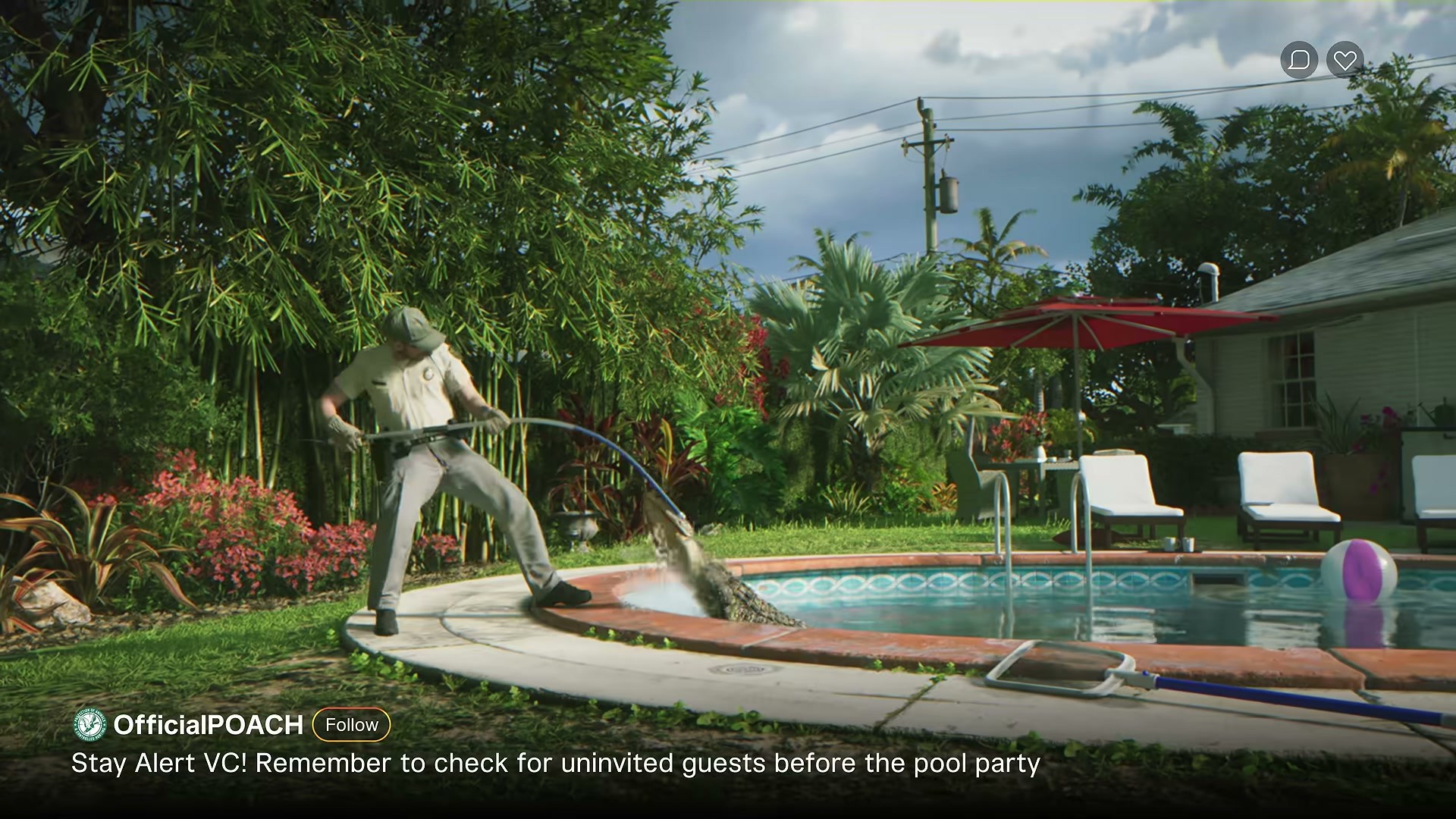
Selfies use the phone’s Camera app and its Selfie option
The phone camera becomes available once the prologue hands you control of Jason. Press up on the d-pad and open Camera, the third icon on the top row.
- On the rear camera you can turn on Show Grid, zoom up to 5x and pick one of 17 filters.
- Choose Selfie to switch to the front camera.
- Use Pose (up to six) and Expression (up to seven) to change how your character looks. With Lucia or a partner in frame, Partner Pose changes theirs.
- Press Take Photo. Rear Camera flips back.
Light toggles the phone’s flash, which makes a big difference at night. People in the world react to the camera, too. Point it at an arrest and an officer may step in front of the lens.
If you’d rather see the phone in your character’s hand, set Settings > Camera > Comfort > Phone Display to First Person. Our GTA 6 phone guide covers the other apps.
Photo Studio shots reach your console gallery, phone photos stay in Gallery
The two cameras save to different places, and that’s why selfies seem to vanish.
- Photo Studio: use Save Photo. On PS5 the shot lands in the console’s Media Gallery like any other screenshot, ready to send to your phone or post.
- Phone camera and selfies: they go to the in-game Gallery app only. There’s no send or export button, and the Gallery seems to hold a fairly small number of photos.
To keep a selfie, open it full screen in Gallery and press the console’s screenshot button (Create on PS5, Share on Xbox). If Photo Studio throws “Couldn’t Save – Screenshot not saved. Try again later”, hide the interface and use the same console button.
On PS5, captures sync to the PlayStation App if you turn on auto-upload under Settings > Captures and Broadcasts > Captures. On Xbox, be careful with clips and shots of the game’s nudity: Xbox’s automatic moderation may take them down and suspend sharing for a few days, even from story cutscenes.
Snapmatic is a feed you read, not one you post to
Snapmatic on the phone is Leonida’s social network. You can scroll posts and play the video ones, like a post so it sits in your saved posts, read the comments, open a poster’s profile with Options and mark where a photo was taken on your map. Jason and Lucia never post, so there’s no upload option for your Gallery or Photo Studio shots. Posts you scroll past without liking may not come back, so like anything you want to find again.
No trophy or achievement is tied to photos
None of the 55 trophies asks you to use Photo Studio or the phone camera, so take as many or as few photos as you like. A few story and side moments use the camera on their own, such as the “Take photo for Cal” prompt after a record fish. Our GTA 6 trophy list has the full set.
Photo mode mistakes in GTA 6
- Mistake: Hunting for selfies in the PS5 Media Gallery. Fix: Phone photos never leave the in-game Gallery. Screenshot them from there with the console button.
- Mistake: Long Photo Studio sessions without a recent save. Fix: On base PS5 the screen can freeze on the photo and only a game restart fixes it. Save first.
- Mistake: Looking for a pose menu in Photo Studio. Fix: Poses and expressions are in the phone camera’s Selfie mode.
FAQ
Does GTA 6 have a photo mode?
Yes. It’s called Photo Studio and it’s a tab in the pause menu, available from the prologue.
How do you take a selfie in GTA 6?
Press up on the d-pad, open Camera, choose Selfie, set a Pose and Expression, then Take Photo.
Where are phone photos saved in GTA 6?
In the phone’s Gallery app only. They don’t reach your console gallery and can’t be exported.
Can you post photos on Snapmatic?
No. You can browse, like and save posts and read the comments, but there’s no upload option.
Can you change the time of day in Photo Studio?
No. Weather and time of day are locked to whatever they were when you paused.
Is there a Rockstar Editor in GTA 6?
Not at launch. Photo Studio takes stills only.
Source & credit
Grand Theft Auto VI is developed and published by Rockstar Games. Menu names, controls and saving behaviour were cross-checked against launch-week player threads on r/GTA6, r/GTAVI and r/GTA and launch-day footage, including TheGTAEnjoyer’s underwater Photo Studio shots. Images are an official Rockstar Games screenshot and a frame from Rockstar’s first official trailer.