The short answer
- The big change
- On the Default scheme, run is L3 (left stick click), jump is X / A and crouch is Circle / B. The Classic scheme puts run back on X / A.
- Combat
- Aim L2 / LT, shoot R2 / RT, cover R1 / RB, holster L1 / LB (hold it for your loadout), melee Square / X.
- The d-pad
- Tap up for the phone. Hold right for your partner, hold left for the radio and vehicle menu, hold down for camera options and quick navigation. In a car, tap left or right for the turn signals.
- Flying
- Rudder (yaw) is Square and Circle on PS5, X and B on Xbox, not the bumpers.
- 3
- Control schemes
- L3
- Run on Default
- L3 + R3
- Focus
- No
- First person mode
- 7 min
- Read time
- Nov 2026
- Checked on
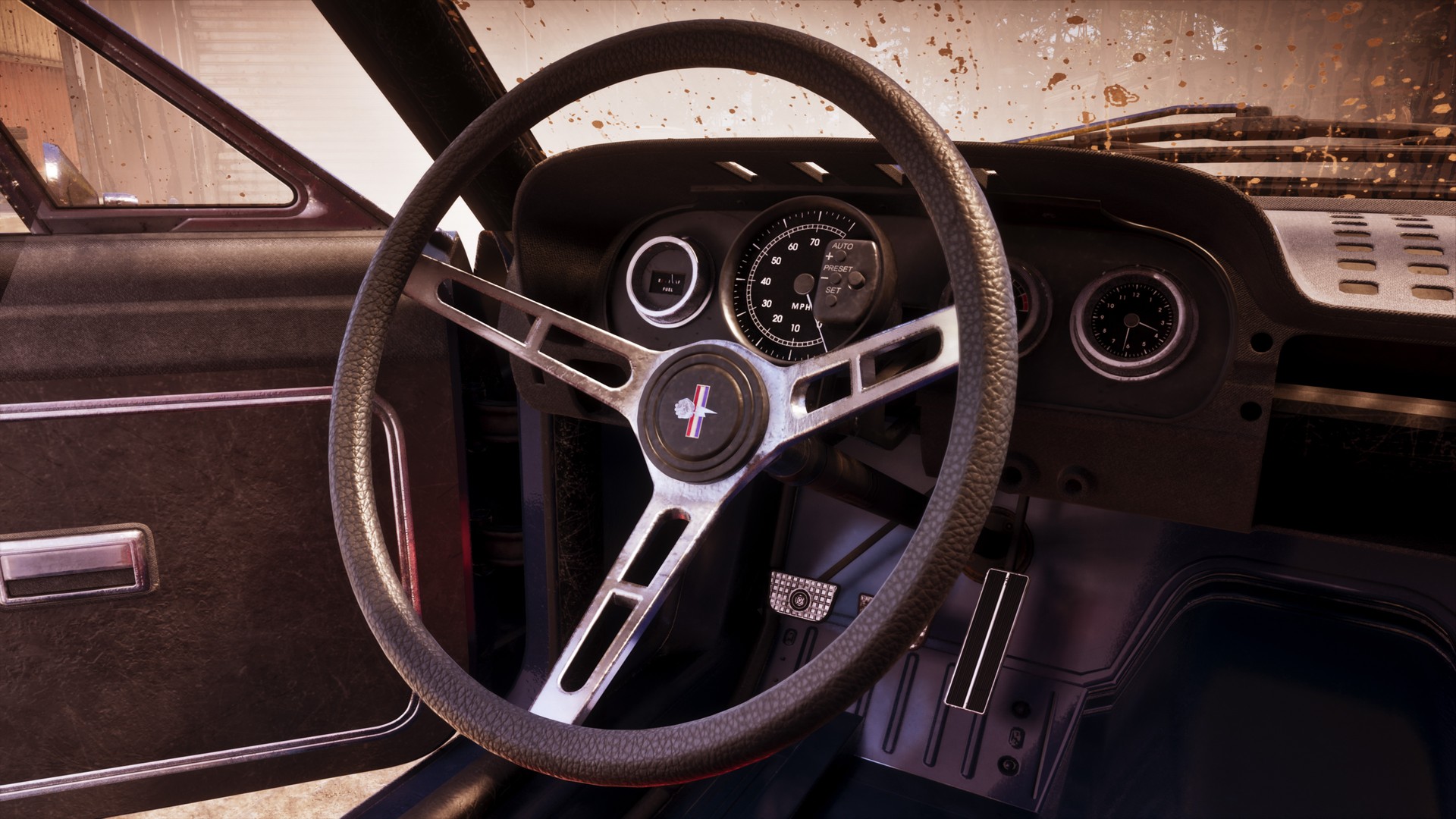
On foot: run is L3, jump is X and crouch is Circle on the Default scheme
Everything below is the Default scheme with the PS5 button first and the Xbox Series X|S button second. You can check the layout in game under Settings > Control Scheme > Preview > On Foot. Hold buttons are marked “hold”.
| Action | PS5 | Xbox |
|---|---|---|
| Move / look | Left stick / right stick | Left stick / right stick |
| Run, click again to sprint | L3 | Left stick click |
| Jump / climb | X | A |
| Crouch (press again to stand) | Circle | B |
| Interact, get in a vehicle | Triangle | Y |
| Interact with a person | Hold L2 | Hold LT |
| Look behind | R3 | Right stick click |
| Focus | L3 + R3 | Both stick clicks |
| Map | Touchpad | View button |
| Phone | D-pad up | D-pad up |
| WAiNK app | Hold d-pad up | Hold d-pad up |
| Partner menu (switch: add R1 / RB) | Hold d-pad right | Hold d-pad right |
| Camera options, quick navigation | Hold d-pad down | Hold d-pad down |
| Objective / minimap | D-pad down | D-pad down |
| Swim faster (press again to speed up) | L3 | Left stick click |
| Strafe or swim backwards | Hold L2 | Hold LT |
Holding Circle on foot is the Rest action on PS5 (it should be hold B on Xbox). Clicking L3 while crouched lets you move faster without standing up, unless you turned on Stand & Sprint. Switching characters is hold d-pad right, then R1; on Xbox the shoulder button should be RB. Our switch characters guide covers when that unlocks.
Combat: aim L2, shoot R2, cover R1 and fight with Square
| Action | PS5 | Xbox |
|---|---|---|
| Aim / shoot | L2 / R2 | LT / RT |
| Take cover | R1 | RB |
| Holster or draw your gun | L1 | LB |
| Loadout (weapon wheel) | Hold L1 | Hold LB |
| Melee / fight | Square | X |
| Detonate explosives | D-pad right | D-pad right |
| Throw arc on or off while aiming | R3 | Right stick click |
In a fist fight, the PS5 prompt reads: press Square to fight, hold X to block, press X to dodge. On Xbox that should be X to fight, hold A to block and A to dodge. Attacking while you run should turn your hit into a dropkick. Melee mostly needs someone or something in range, so don’t expect to throw punches at the air the way you could in older games.
If you set Targeting to Lock-On under Settings > Gameplay, turn on Lock-On Target Switch to flick between targets with the right stick. Our weapons guide explains which guns you keep, and criminal profile covers Focus.
Driving: triggers to drive, d-pad left and right for the turn signals
| Action | PS5 | Xbox |
|---|---|---|
| Accelerate | R2 | RT |
| Brake / reverse | L2 | LT |
| Steer | Left stick | Left stick |
| Get out | Triangle | Y |
| Get out, leave the engine running | Double tap Triangle | Double tap Y |
| Turn signal left / right | Tap d-pad left / right | Tap d-pad left / right |
| Radio and vehicle menu | Hold d-pad left | Hold d-pad left |
| Change station in that menu | L1 / R1 | LB / RB |
| Camera distance | Hold d-pad down | Hold d-pad down |
R2 is pressure sensitive, so feather it from a standstill in rear-wheel-drive muscle cars or the back end swings out. Double tapping left on the d-pad should switch the radio off. Headlights, hazards and the windows sit in the vehicle menu, which you reach through the same hold on d-pad left. In a police car, holding the left stick should sound the horn and a single click turns on the siren; there is no lights-only option that we could find.
On PS5, Adaptive Speed Limiter (Settings > Controller, on by default) holds the car at a sensible speed while you keep R2 at the trigger’s resistance point. Pick the cinematic camera while driving to a waypoint and the game offers Auto Drive. More on cars in our cars and vehicles guide.
Boats and planes: yaw is on Square and Circle, not the bumpers
Boats use the same triggers and stick as cars. Hold A on Xbox while steering for a sharper turn; on PS5 that should be X.
| Plane action | PS5 | Xbox |
|---|---|---|
| Rudder, yaw left / right | Hold Square / Circle | Hold X / B |
| Accelerate | R2 (should be) | RT |
| Take off from water | Triangle (should be) | Y |
| Slow down on approach | Hold L2 (should be) | Hold LT |
| Landing gear | L3 (should be) | Left stick click |
The left stick pitches the nose, and it is inverted by default: Aircraft Movement under Settings > Controller > Inverted Controls is set to On. Turn it off if pushing up to climb feels natural to you. If the camera rolling with the plane makes you queasy, switch off Follow Roll in the Camera tab’s Aircraft section.
Classic moves run to X and jump to Square, but only on foot
Go to Settings > Control Scheme and pick Default, Classic or Left-Handed. Classic is the closest to GTA 5 on foot:
| Action | Classic on PS5 | Classic on Xbox |
|---|---|---|
| Run | X | A |
| Jump / climb | Square | X |
| Melee | Circle | B |
| Crouch | L3 | Left stick click |
Vehicles keep the triggers on Classic, and there is no button-by-button remapping, so you can’t build a layout of your own. If you only want to stop clicking L3 to jog, set Movement Speed to Run under Gameplay instead. Sensitivity and dead zone advice is in our best settings guide.
Buttons we have not confirmed yet
We haven’t seen these on a prompt or in the controls preview, so we’re not listing a button yet: reload, whistle, the handbrake, drop anchor, shooting from a car, and the heal shortcut. The Land / Water Vehicles, Aircraft, Bicycle, Swimming and Parachute pages in Settings > Control Scheme > Preview list them on your own console.
FAQ
How do you crouch in GTA 6?
Circle on PS5 or B on Xbox. On the Classic scheme it is the left stick click.
How do you take cover?
R1 on PS5, RB on Xbox, next to a wall or object.
How do you block and dodge?
In a fist fight on PS5, hold X to block and tap X to dodge. On Xbox it should be A.
How do you punch or knock someone out?
Square on PS5, X on Xbox, once someone is in range. Keep hitting until they go down.
How do you jump?
X on PS5, A on Xbox (Square or X on Classic).
How do you use the turn signals?
Tap left or right on the d-pad while driving.
How do you turn on the headlights?
Hold d-pad left for the vehicle menu, where the lights, hazards and windows should be.
How do you change the camera?
Hold d-pad down for the camera options, or set the touchpad (View on Xbox) to Camera in Settings > Controller.
Why won’t the camera follow my car?
Raise Horizontal Follow Speed (Driver) and Vertical Follow Speed (Driver) and keep Follow Delay (Driver) at 0, under Settings > Camera > Land & Water Vehicles.
Is there a first-person view?
No. The phone is the only first-person view.
How do you fly on Xbox?
RT for throttle, Y to take off from water, hold X or B for the rudder, LT to slow down and the left stick click for the landing gear.
Source & credit
Grand Theft Auto VI is developed and published by Rockstar Games. Button names come from the in-game Control Scheme preview and settings menus, the tutorial prompts in launch-day mission playthroughs by GTA Series Videos and Aquish GTA, and player reports on r/GTA6, r/GTAVI and r/GTA. Images: Rockstar Games.