World of Warcraft: Forever can be played without touching a keyboard for almost everything, according to Xbox Wire editor Mike Nelson, who has been playing it that way. “I haven’t found anything that I can’t access through just the controller,” he writes. The exception is talking to people: “having a keyboard and/or voice chat still feels like the way to go.”
 Watch the short YouTube
Gamepad (Alpha) is one checkbox in the Options menu
The support arrives with the game on November 4, and it is included with your existing subscription. To turn it on, Nelson says to “just go into Options and check the box for ‘Gamepad (Alpha)’ support” from the main menu. On-screen button icons then switch to match your controller. He recommends a modern Xbox Wireless Controller “since every on-screen button icon maps perfectly.”
Triggers and bumpers swap the actions on your face buttons
Combat maps your actions to the face buttons, and the triggers and bumpers cycle through different sets of them. Nelson thinks the older pacing helps: “combat in Forever feels more rhythmic than modern Warcraft.”
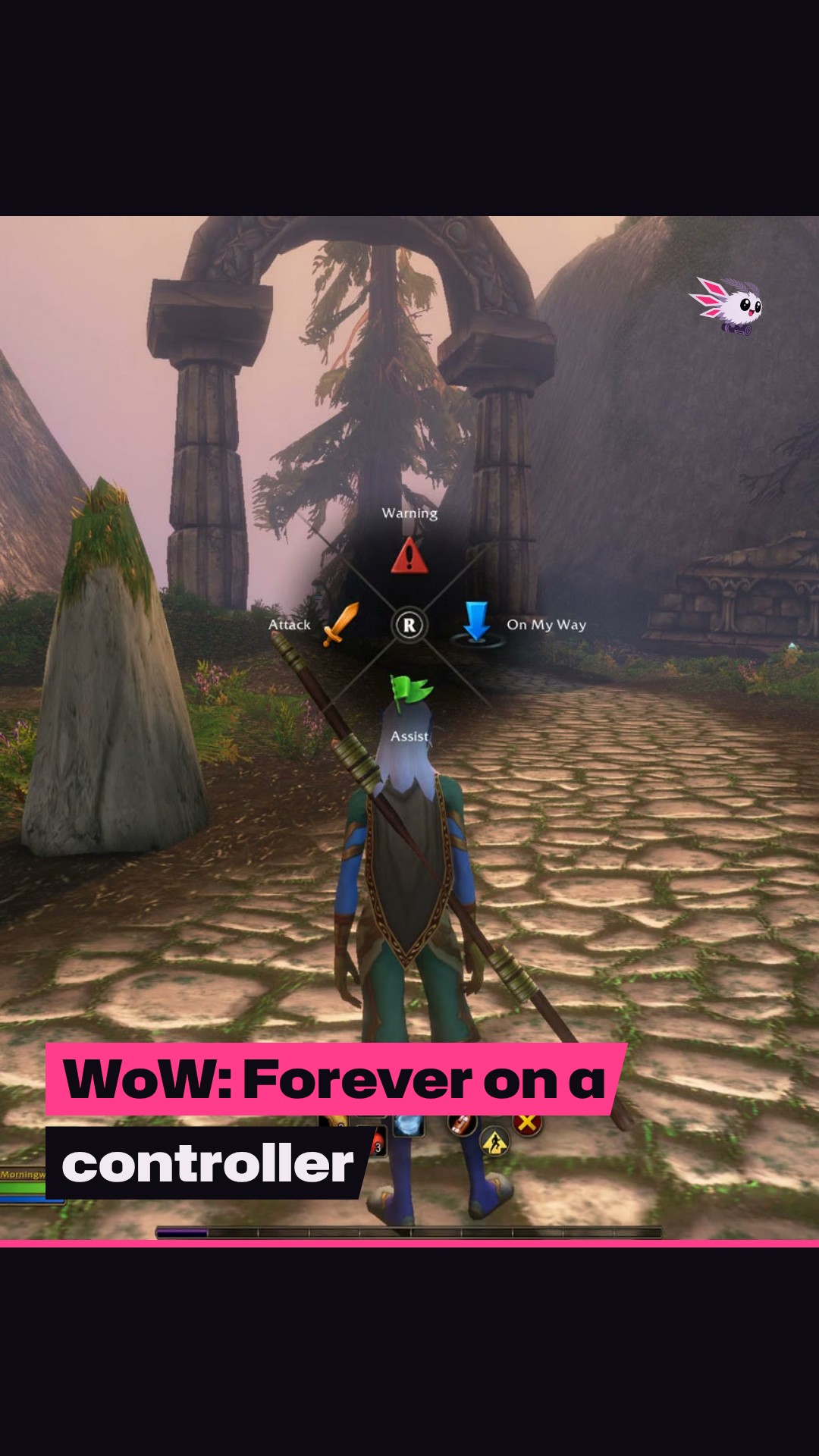
Holding the right stick opens party pings, but not full chat
Hold the right analog stick and you get a ping system with quick party commands: Attack, Warning, On My Way and Assist. That covers basic group calls. Typing to other players is where the controller runs out, which is why Nelson still reaches for a keyboard or voice chat.
Compact Action Bar and Edit Mode clear space on screen
Nelson also has two tips for making the interface work better on a controller. Turn on Compact Action Bar to free up room, then use Edit Mode to shrink the Chat Frame and move the Player and Targeting Frames to the bottom of the screen.
The ROG Xbox Ally runs it through Battle.net, without official support
Nelson also got Forever running on the ROG Xbox Ally through Battle.net on Windows 11, with a caveat: “it isn’t officially supported yet.” You need the touchscreen and on-screen keyboard to get to the main menu and switch Gamepad (Alpha) on.
Forever launches on PC, and the Xbox Wire piece does not mention a console version. Nelson is playing on a PC too, though his gaming rig “occasionally finds a home next to my XBOX Series X|S.” For more on launch week, see what Blizzard says it has fixed at zone borders.