The short answer
- How to unlock it
- Play Just Keep Swimming. Meet Ursula in the water outside her cave at Dazzle Beach, take her strange gem, design your merfolk look, then interact with any water to transform.
- Fishing and gathering
- Hold Sea-Comb: Shift on PC, L1 on PlayStation, LB on Xbox, L on Switch. It catches fish from ripples and pulls up seaweed and fish every few seconds outside them.
- Popping bubbles
- Underwater, point the camera at the bubble and Surge (the same button). Surge goes where the camera faces, so you rarely need the rise and dive buttons.
- Energy
- Plain swimming is free. Sea-Combing drains energy, and you can eat from your inventory without leaving the water.
- 4
- Platforms covered
- 200 m
- Tutorial swim
- Dec 2
- Early adopter fin ends
- 5 min
- Read time
- Nov 2026
- Checked on
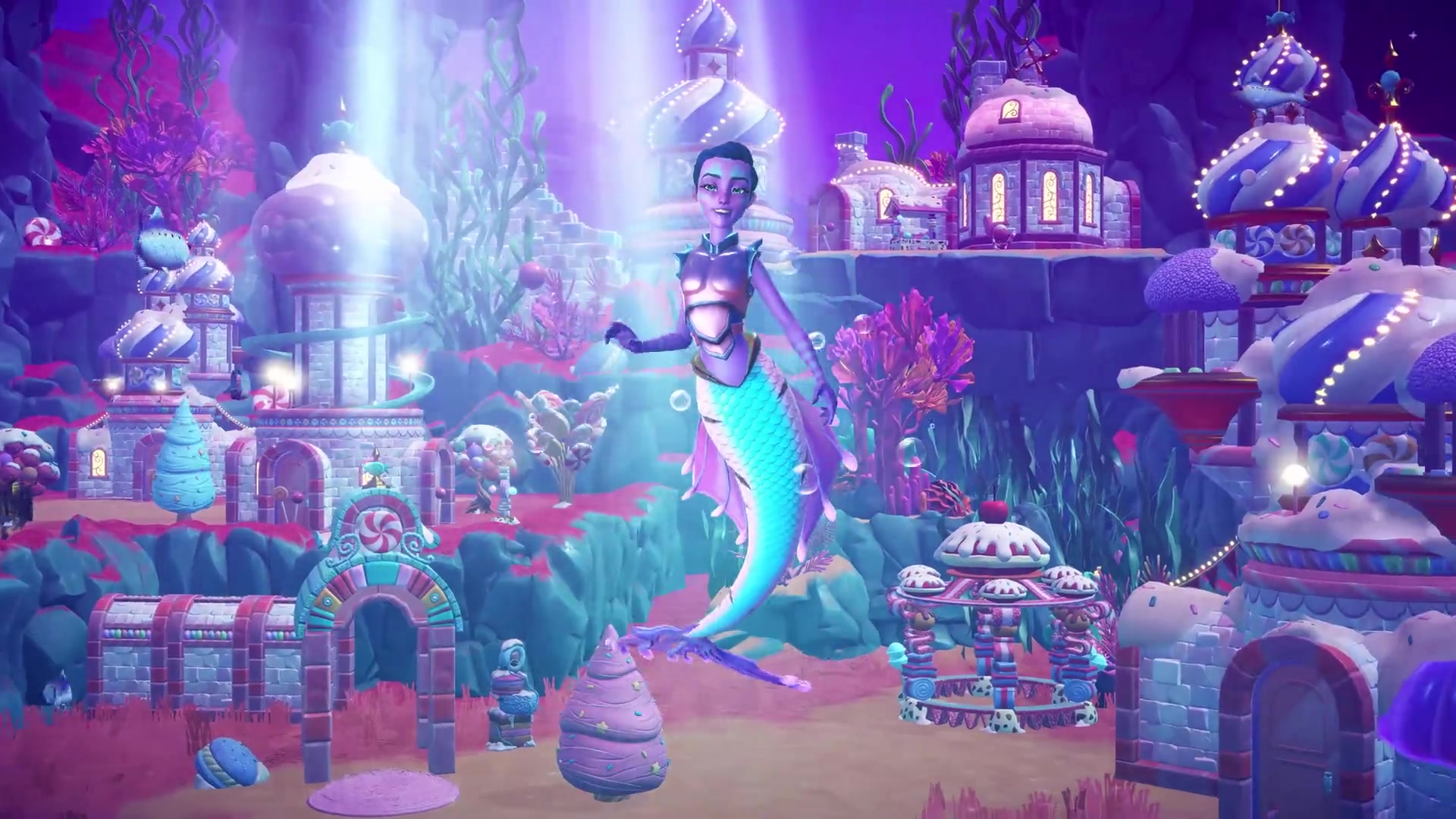
Just Keep Swimming with Ursula unlocks merfolk form
If the quest letter never arrives, our Keepsake Sea not showing up guide lists the base-game quests that gate it.
- Read Ursula’s letter (“Kindly keep your things off my beach”) and meet her in the water outside her cave at Dazzle Beach.
- Take the strange gem she gives you. It turns you into merfolk and opens the merfolk customization screen.
- Pick your look, then interact with the water to transform. Interact with the shore to turn back. On Switch you hold A at the water’s edge.
- Catch a fish from a ripple, gather seaweed, then follow the tutorial: hold Sea-Comb on the surface around Dazzle Beach, swim 200 meters and catch fish while Sea-Combing.
- Swim with Ursula to her secret beach behind Skull Rock and investigate the strange mermaid statue. You place it in the water in furniture mode, then dive into the whirlpool at its base to start A Kingdom Across the Sea.
The rest of the story is in our Keepsake Sea walkthrough.
Merfolk controls on PC, PlayStation, Xbox and Switch
Sea-Comb and Surge share one button. On the surface it Sea-Combs; underwater it Surges. Rise and dive only work in the underwater areas.
| Action | PC | PlayStation | Xbox | Switch |
|---|---|---|---|---|
| Sea-Comb (hold, on the surface) | Shift (sprint) | L1 | LB | L |
| Surge (underwater, pops bubbles) | Shift | L1 | LB | L |
| Dive deeper | Ctrl | L2 | LT | ZL |
| Rise | Space | R2 | RT | ZR |
On PlayStation, dive and rise sit on L2 and R2. The game shows the exact button on screen when you first dive, so follow that prompt if yours feels reversed.
Mac uses the PC keys: Shift to Sea-Comb, Ctrl to dive and Space to rise. Ctrl next to the trackpad is awkward, so a mouse or controller helps underwater.
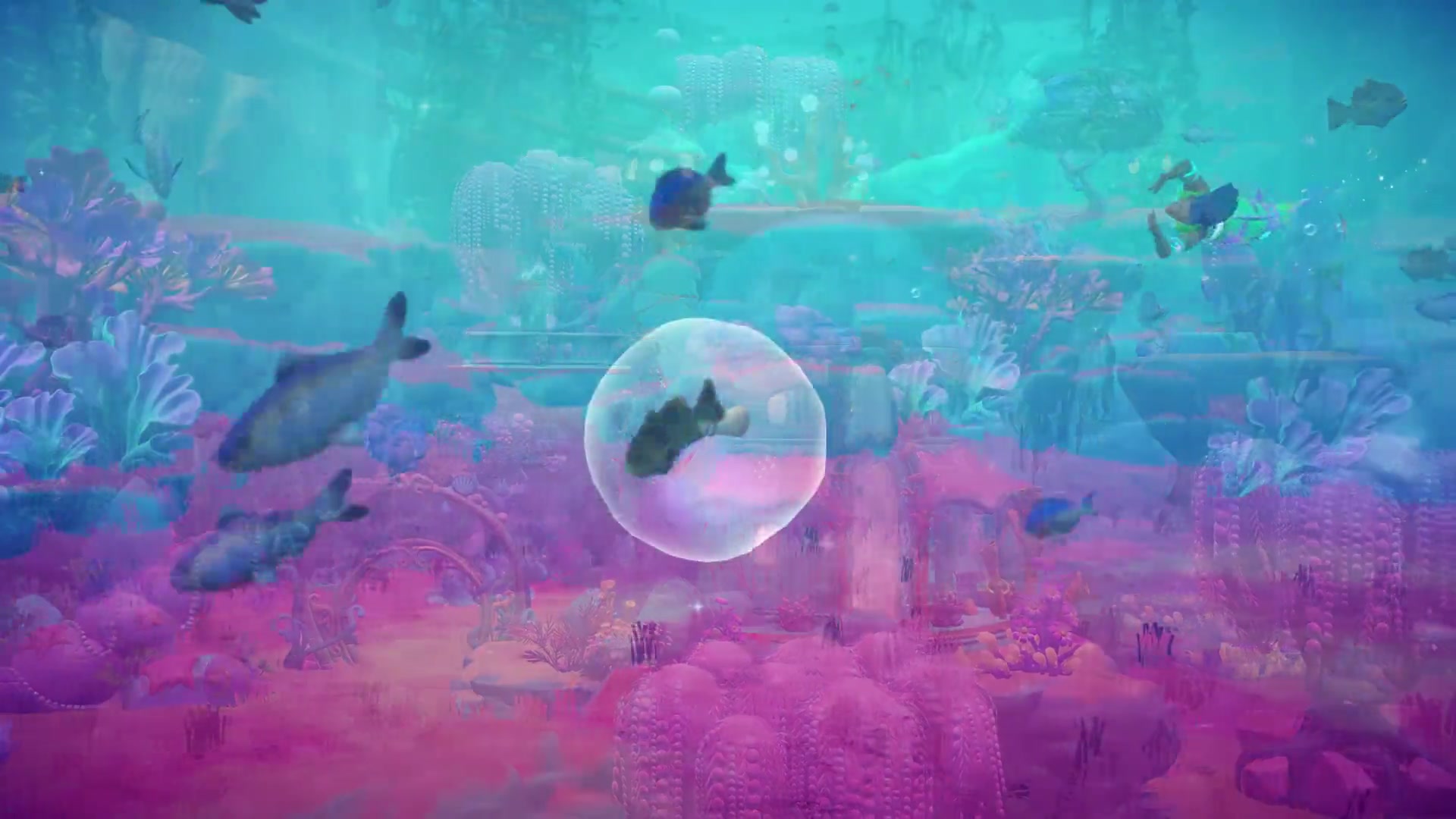
Surge toward the camera to pop bubbles
Floating bubbles underwater hold items, from fish and resources to the odd new tail or top. You pop them by Surging through them, and the Guardian’s Trials riddles can ask you to pop a set number. These habits make it much easier:
- Aim with the camera, not the stick. Surge sends you wherever the camera points. Tilt the camera down at a bubble and Surge instead of juggling dive and rise.
- Swim a line above the bubbles. Then Surge down at each one. One Surge drops you and pops it in a single move.
- Get close before you Surge. Surge pulls you toward a collectable on the seafloor when one is in range. Too far away and you only dip a little.
- On Switch, stop and line up. Come to a halt, face the bubble, then Surge. Sharp turns at full speed overshoot.
Surge rings work the same way: face the ring and Surge through it.
Sea-Combing catches fish in and outside ripples
As merfolk you never need the fishing rod. Swim into a fishing ripple and you dive in and catch the fish instantly. Holding Sea-Comb while you pass through a ripple collects it automatically, and Sea-Combing in open water pulls up a reward every few seconds, mostly fish and seaweed. Fish caught this way count for quests that ask you to catch fish.
- Ripples are used up as you catch them, so swim to new ones or Sea-Comb the open water while they respawn.
- Sea-Combing costs energy over time. Plain swimming does not, so let go of the button when you are only travelling.
- You can eat from your inventory while swimming to refill energy.
- Sea-Combing works on the other expansion islands too, not only the Valley.
What each island’s water holds is in our Keepsake Sea biomes guide.
Merfolk form works on any deep water in the Valley
Once unlocked, you can swim the surface of rivers, ponds and the sea across Dreamlight Valley and the earlier expansion areas, and dive into any ripple for an instant catch. Full underwater swimming with rise, dive and Surge is limited to the Keepsake Sea’s underwater areas and the ruins you reach through Ursula’s statue.
- You need deep water. Shallow stretches block you, so around Dazzle Beach you swim the long way around Skull Rock.
- You can’t swim under bridges, in mud, quicksand, or the honey in Wishblossom Ranch.
- Your regular companion stays on land. Adventure Companions such as Dory follow you underwater. Regular companion bonuses still drop once you step back ashore.
- Inventory, furniture mode and the Wardrobe all open while you swim.
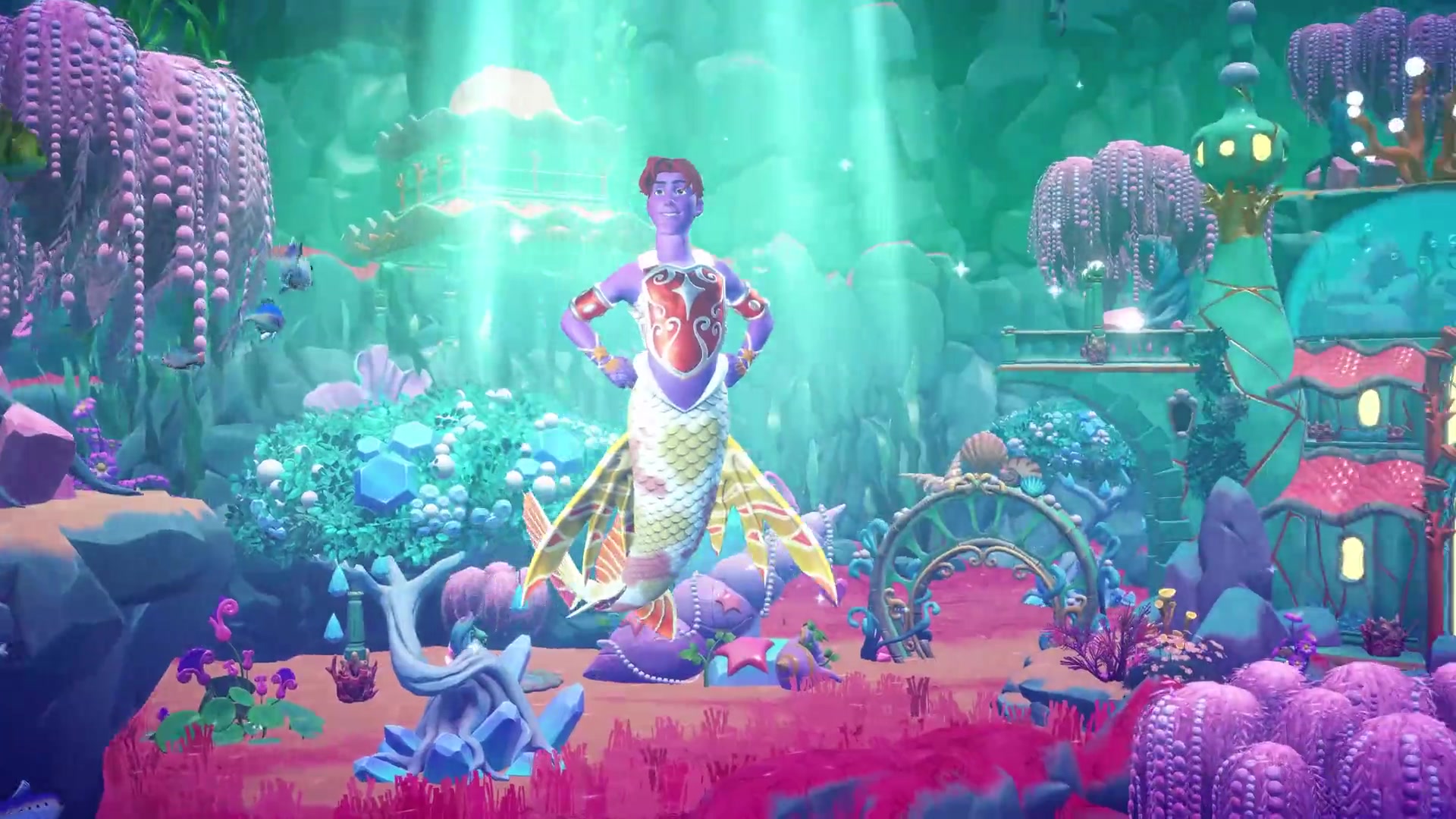
Change your tail in the Wardrobe while you swim
You design your first look on Ursula’s customization screen. After that, open the Wardrobe while in merfolk form to change it any time. Your merfolk look is separate from your human outfit, but it keeps your hairstyle and makeup, and you can change your hair from the same menu.
- Customize options: ears, fin type, arms, tail pattern and colors, plus presets to start from.
- Wardrobe categories: hats, masks, glasses, earrings, neckwear and bracelets carry over. Merfolk form adds Torso and Surge Effects (trails behind your Surge). Pants and dresses are hidden.
| Source | What you get |
|---|---|
| Free with the expansion | Starter tails, fins, ears, arms, torsos and colors; more pieces from chests and bubbles in the underwater ruins below the Valley, such as the Kelp Wrap and Castaway Glam torsos |
| Early adopter bonus | An exclusive mermaid fin in your mailbox if you play the expansion between November 18 and December 2, 2026 |
| Deluxe Edition | Gilded Shell Top, Merfolk Mansion house style, plus Flounder and Sebastian as Adventure Companions |
| Seafaring Star Path | Merfolk attire among its rewards |
Photo Mode and DreamSnaps work in merfolk form
You can take photos as merfolk on the surface and underwater, and enter DreamSnaps in merfolk form. The merfolk pose list is not documented yet.
Mistakes with merfolk form
- Mistake: Sea-Combing everywhere. Fix: It drains energy. Hold it only over ripples and resource spots.
- Mistake: Looking for the underwater controls in the Valley. Fix: Rise, dive and Surge only work in the Keepsake Sea underwater areas.
- Mistake: Looking for merfolk torsos in the human Wardrobe. Fix: Transform first. Torso and Surge Effects only appear in merfolk form.
FAQ
How do you fish in the Keepsake Sea?
Swim into a ripple as merfolk to catch the fish instantly, or hold Sea-Comb (Shift, L1, LB or L) on the surface to catch fish in and outside ripples.
What is the Sea-Comb button on Switch?
Hold L. You glide just under the surface and items arrive every few seconds. If L does nothing, try B.
Does swimming use energy in Dreamlight Valley?
Plain swimming does not. Sea-Combing does, and you can eat while in the water.
How do I change my mermaid tail?
Transform, then open the Wardrobe. Tail pattern, fins, ears and arms sit in the customize section.
Checklist
0 of 5
Source & credit
Disney Dreamlight Valley is developed and published by Gameloft. Controls were checked against the in-game tutorial prompts on each platform, launch-day playthroughs from Adams Nintendo World, Tinkerlily, Letz Play K, MrStarInSky, consolecaito and Greymane Gaming, the Dreamlight Valley Wiki, and r/DreamlightValley. Edition and bonus details come from Gameloft’s patch notes and launch post. Screenshots are from the official Steam store trailer.