The short answer
- Before it opens
- Finish “The Dream Castle”, “Friendship Is Everything”, “Making Cents of Things”, “Scrooge McDuck’s Grand Re-opening” and “Fishing Expedition”, and have Ursula unlocked. A letter called “The Keepsake Sea” in your mailbox lists all of these.
- Where it starts
- Once those are done, Ursula’s letter arrives. It sends you to her cave at Dazzle Beach, where she turns you into merfolk and the expansion begins.
- Not in the store?
- Update the game, then buy from the Keepsake Sea option on the game’s main menu or from the store on the console itself. Search the full name, “Disney Dreamlight Valley The Keepsake Sea”.
- Steam Deluxe missing?
- Gameloft pulled and reworked the Steam Deluxe listing on launch day. You can buy the standard expansion now and add the Deluxe upgrade later from the in-game Premium Shop.
- 5
- Story quests first
- Ursula
- Must be unlocked
- 9 a.m. ET
- Launch, Nov 18
- 5,000
- Moonstones, by mail
- 5 min
- Read time
- Nov 2026
- Checked on
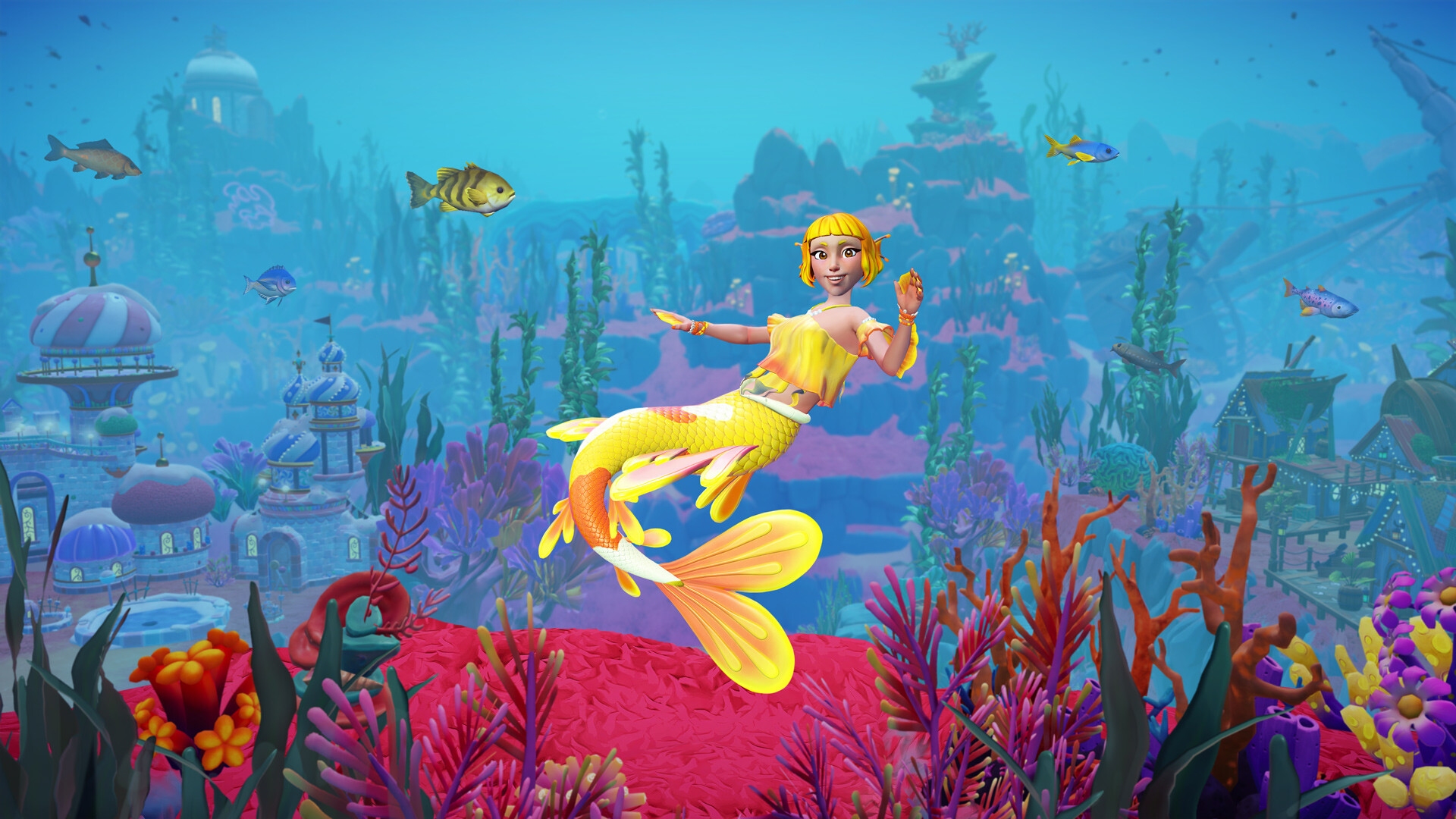
Five story quests and Ursula unlock the Keepsake Sea
Buying and installing the expansion is not enough. If you load in and nothing happens, you are missing one of these.
When you own the expansion, a letter titled “The Keepsake Sea” lands in your mailbox. It lists what the game wants before anything opens:
- “The Dream Castle” (Merlin)
- “Friendship Is Everything” (Merlin)
- “Making Cents of Things” (Scrooge McDuck)
- “Scrooge McDuck’s Grand Re-opening” (Scrooge McDuck)
- “Fishing Expedition” (Goofy)
- Ursula unlocked as a villager
Open your quest log and check that each of these shows as complete, not just started. Ursula comes from base game story progress, so a newer save may need her first. Gameloft’s support FAQ for the expansion also lists a sixth Merlin quest, “With Great Power…”. It is not on the in-game letter, but if the letter’s list is done and Ursula’s letter still has not arrived, check that one too.
Once everything on the list is finished, the letter tells you to head back to your mailbox for “a special invitation”. That invitation is Ursula’s letter, “Kindly keep your things off my beach”.
The opening steps at Dazzle Beach
- Read Ursula’s letter and claim the strange scroll attached to it. Using it from your inventory shows a torn note signed “W” and starts the quest.
- Go to Ursula’s cave at Dazzle Beach. This is the hidden cave down the side of Dazzle Beach, not her house in your Valley.
- Talk to Ursula. She blames you for a crate with a mermaid statue left on her secret beach, then asks you to meet her in the water outside the cave.
- Meet her in the water. She gives you a strange enchanted gem that turns you into merfolk, and merfolk customization opens.
- Finish the swimming tutorial: swim 200 meters, catch fish by diving into ripples, and switch back to human form at the shore and into the water again.
- Swim to the secret beach next to the cave and interact with the mermaid statue. Place it in the water with furniture mode, become merfolk again and dive into the whirlpool beside it. That starts “A Kingdom Across the Sea”, the first Keepsake Sea quest.
These steps match two launch-day walkthroughs, by MonkeyKingHero and Adam Roffel on YouTube. Every quest after that is in our Keepsake Sea walkthrough. Our Keepsake Sea characters guide picks up from there, and the biomes guide covers the three islands.
The Keepsake Sea went live at 9 a.m. ET on November 18
Gameloft said the expansion would release on November 18 on all supported platforms. It did not post a separate unlock hour, but its launch day Twitch Drops started at 9:00 a.m. EST that morning, and it was available to buy from 6 a.m. PT, which is the same moment. The drops themselves are in our Keepsake Sea Twitch Drops guide. That works out to:
| Region | Launch time, November 18 |
|---|---|
| US Pacific | 6 a.m. PT |
| US Eastern | 9 a.m. ET |
| UK | 2 p.m. GMT |
| Central Europe | 3 p.m. CET |
Store pages did not all update at that moment. Several listings appeared minutes or hours later depending on the platform and country, which is most of what players were reporting on launch morning.
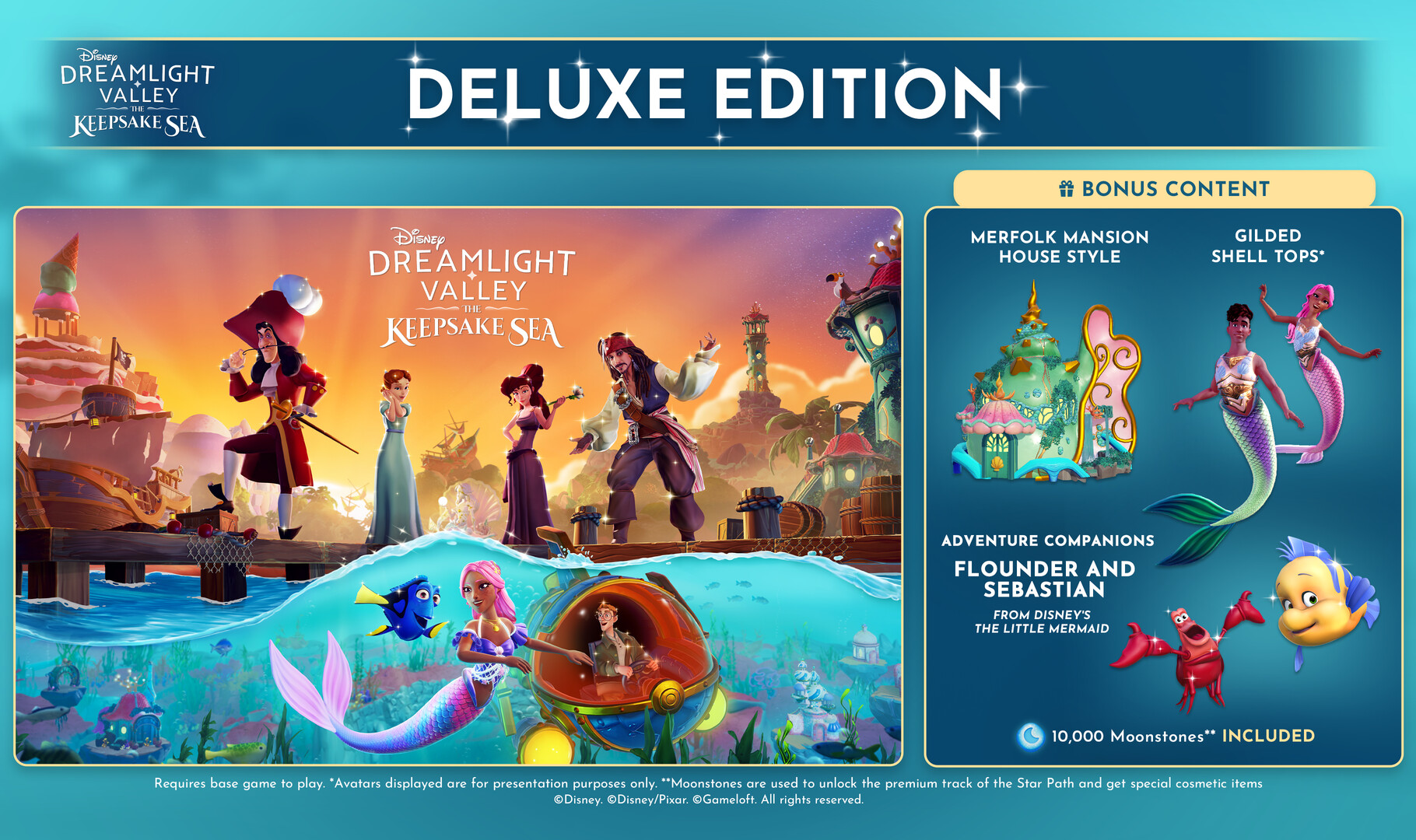
Store fixes for Nintendo, Steam, PlayStation and Xbox
Gameloft’s support FAQ lists every platform: Steam, Epic and macOS on PC, Nintendo Switch, Nintendo Switch 2, PS5, PS4, Xbox Series X|S and Xbox One. If you cannot find it, it is a store listing problem, not a missing version.
Update the game and buy from the main menu
The most reliable fix is in the game itself. Install the November 18 update, start the game, and use the Keepsake Sea option on the main menu, which opens the right store page. This works on Switch and Xbox, including the Deluxe Edition on Xbox when it does not show in the store search. Without the update installed, that option and some store pages do not show up.
Nintendo eShop: search on the console, with the full name
- Search on the Switch itself, not the Nintendo website or app. In the UK, Canada and the US the expansion appeared on the console eShop while the website still did not list it. In Canada it reached the online store later on launch day.
- Type the full name, “Disney Dreamlight Valley The Keepsake Sea”. Searching “Disney Dreamlight Valley Keepsake Sea” without “The” may show nothing, while the full name lists it with the other expansions, in standard and Deluxe versions.
- The Switch 2 button on the official Dreamlight Valley website goes to the base game’s Nintendo Switch 2 Edition page, not the expansion. Open that page’s add-ons or search on the console instead.
Steam: the Deluxe Edition was pulled on launch day
On Steam the standard expansion (app 5090170) sells for $29.99 in the US, alongside The Keepsake Sea Edition and Ultimate Edition 2026 bundles with the base game. The Deluxe Edition has its own page (app 5090180), but it had no price on launch afternoon. It appeared briefly, then sent checkouts back to the Steam home page or said “not available in your country” before it disappeared. The listing had the wrong information and was pulled to be fixed, with no time given for its return.
It came back later in Germany and Japan. If you do not see it, search again, since refreshing the page may not be enough. Restarting Steam can also help. If you do not want to wait, Gameloft’s support FAQ says owners of the standard Keepsake Sea can buy the Deluxe upgrade through the in-game Premium Shop.
When it is listed, the Steam Deluxe Edition is a bundle of the standard expansion plus a Deluxe upgrade. The upgrade on its own only adds the extras and needs the standard expansion to work. Seeing both “The Keepsake Sea” and “The Keepsake Sea Deluxe Edition” under your DLC is normal.
PlayStation: check the base game’s variants
The expansion is sold on PS4 as well as PS5. One PS4 player who owns every earlier expansion saw the standard version marked “not available” with only the Deluxe Edition offered. Gameloft’s known-issues page has an older fix for a missing Deluxe Edition on PlayStation: open the base game in the store and choose its variants, where the editions are listed. Try the same for the standard expansion, or use the main menu option above.
Disney shop, cloud play and other accounts
You buy the expansion on the store for the platform you play on. The links on the official website only forward you to those stores. Gameloft says one purchase works across secondary profiles on Steam, Mac App Store, both Switch consoles, Xbox, Microsoft Store and PlayStation, but only the main account gets bonus items such as cosmetics. Apple Arcade Edition players get the expansion at no extra cost.
Moonstones and Deluxe extras arrive by mail
The standard expansion comes with 5,000 Moonstones and the Deluxe Edition with 10,000. Gameloft’s support FAQ says Moonstones bought from a storefront go to your in-game mailbox and are added once you claim them. On launch day the Deluxe items arrived as a letter called “The Keepsake Sea – Deluxe Edition”.
- No Moonstones? Open the mailbox and claim the letter. They are not added until you do.
- No Flounder and Sebastian? Gameloft lists this as expected: they unlock through specific quests in the expansion, not on purchase.
- Villainous Fin early adopter bonus: buy and launch the expansion by 11:59 p.m. ET on December 2 and it arrives in your mailbox.
Edition prices are in our Keepsake Sea editions post.
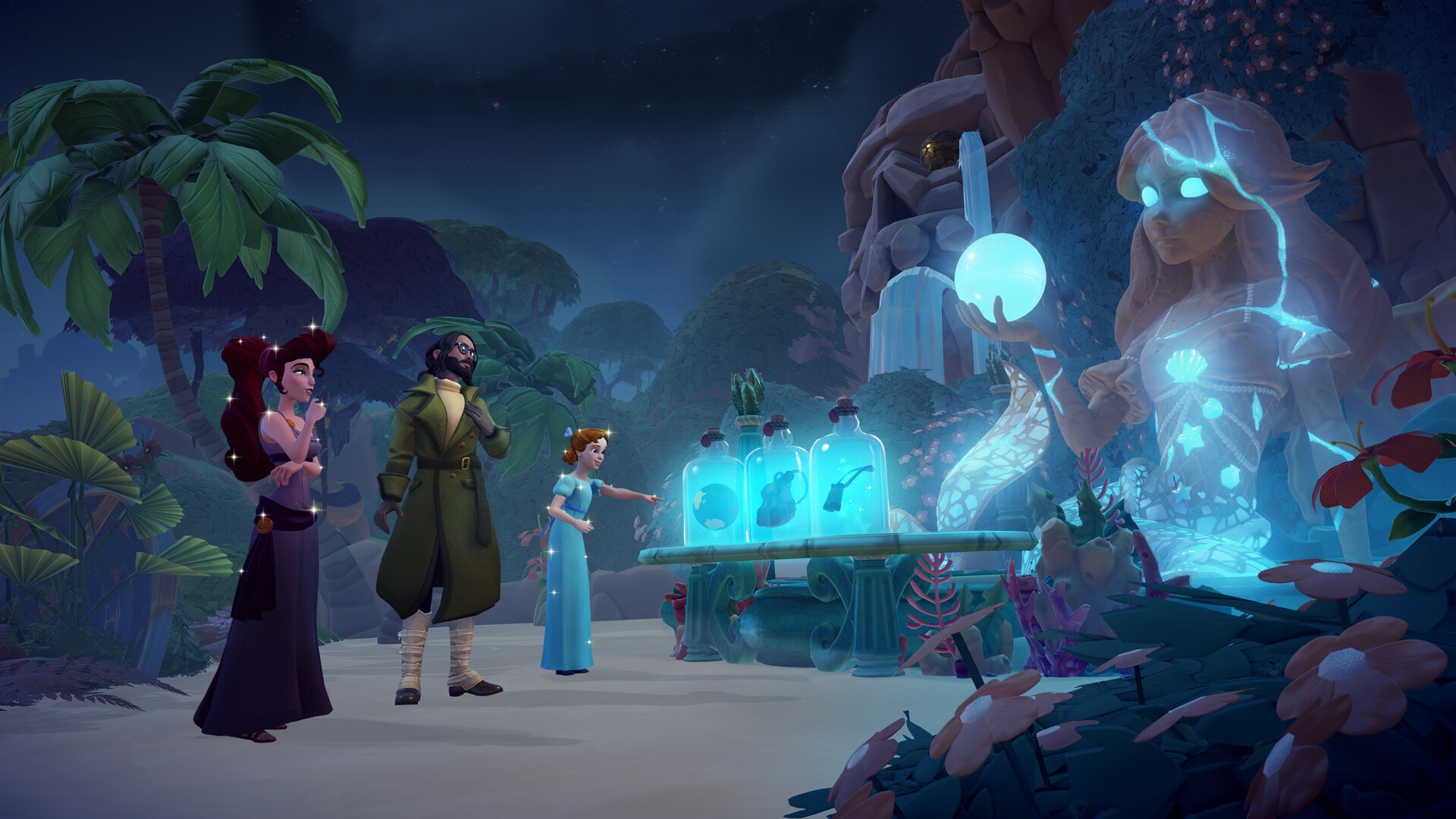
Gameloft’s known issues for the Keepsake Sea launch
Gameloft posted these on its support site for the update. If yours is not listed, use the contact form there or the in-game support option.
- Crash or freeze entering Stardust Port from the Castle on Xbox, PS4 and Nintendo Switch, including the first time. A fix is in progress.
- Furniture vanishing on Keepsake Sea islands. It is not lost. Questing Islands, such as Donut Island, Toucan Island, Sharkfin Isle and the Guardian islands, do not allow furniture, so the game moves it to the nearest area that does.
- No Eel Ruffle from a green chest. Known, fix in progress.
- Stitch’s “glowy hole” quest does nothing. Talk to Stitch before you enter his house.
- Fishing broken in Honeyglow Woods on Switch. The patch notes flag this for the update, with a fix coming.
Mistakes that stop the Keepsake Sea from starting
- Mistake: Waiting for the expansion to start on its own. Fix: Finish the five quests on the letter and unlock Ursula. Nothing opens before that.
- Mistake: Going to Ursula’s house. Fix: Her quest is in the hidden cave down the side of Dazzle Beach.
- Mistake: Searching the store before updating. Fix: Install the update, then buy through the game’s main menu.
- Mistake: Buying the Steam Deluxe upgrade on its own. Fix: It needs the standard expansion. Buy the bundle, or the standard version and upgrade later.
- Mistake: Looking for Moonstones in your balance. Fix: Claim them from the mailbox.
FAQ
Why is the Keepsake Sea not showing up in my game?
You need to finish “The Dream Castle”, “Friendship Is Everything”, “Making Cents of Things”, “Scrooge McDuck’s Grand Re-opening” and “Fishing Expedition”, and have Ursula unlocked. Then Ursula’s letter sends you to her cave at Dazzle Beach.
What time did the Keepsake Sea come out?
9 a.m. ET (6 a.m. PT, 2 p.m. in the UK) on November 18, 2026, when Gameloft’s launch Twitch Drops began.
Why can’t I find the Keepsake Sea on the Nintendo eShop?
On launch day the console eShop listed it before the Nintendo website did. Search on your Switch with the full name, “Disney Dreamlight Valley The Keepsake Sea”, or buy it from the game’s main menu after updating.
Where is the Keepsake Sea Deluxe Edition on Steam?
Its listing was pulled to be fixed on launch day. Buy the standard expansion and upgrade from the in-game Premium Shop, or wait for the Deluxe bundle to return.
Is the Keepsake Sea on PS4?
Yes. Gameloft lists PS4 and Xbox One alongside PS5, Xbox Series X|S, both Switch consoles and PC.
Where are my Keepsake Sea Moonstones?
In your mailbox. Claim the letter and they are added to your account.
Checklist
0 of 8
Source & credit
Disney Dreamlight Valley is developed and published by Gameloft. Requirements come from the in-game “The Keepsake Sea” letter and Gameloft’s support FAQ. Launch details come from Gameloft’s launch post, patch notes and known-issues page, the Steam store, and player reports on r/DreamlightValley. Opening steps were cross-checked against launch-day walkthroughs by MonkeyKingHero and Adam Roffel. Screenshots are from the official Steam store pages.