The short answer
- Biggest bug
- Equipping or unequipping Dory, the Adventure Companion, crashes the game for players on PS5 and Switch. It happens on land, underwater and in the Valley.
- Fix status
- Gameloft has not listed it as a known issue yet (checked November 18). There is no fix date. Players say they have filed tickets.
- Best workaround
- You may be able to get Dory off by leaving the Keepsake Sea and picking a regular companion instead of unequipping her directly. It does not always work, so save before you try it.
- What it blocks
- The Deluxe quest Undersea Reunion, which needs Flounder and Sebastian equipped, so Dory has to come off first.
- 6
- Issues Gameloft lists
- PS5, Switch
- Dory crash reports
- None
- Fix date given
- 5 min
- Read time
- Nov 18, 2026
- Checked on
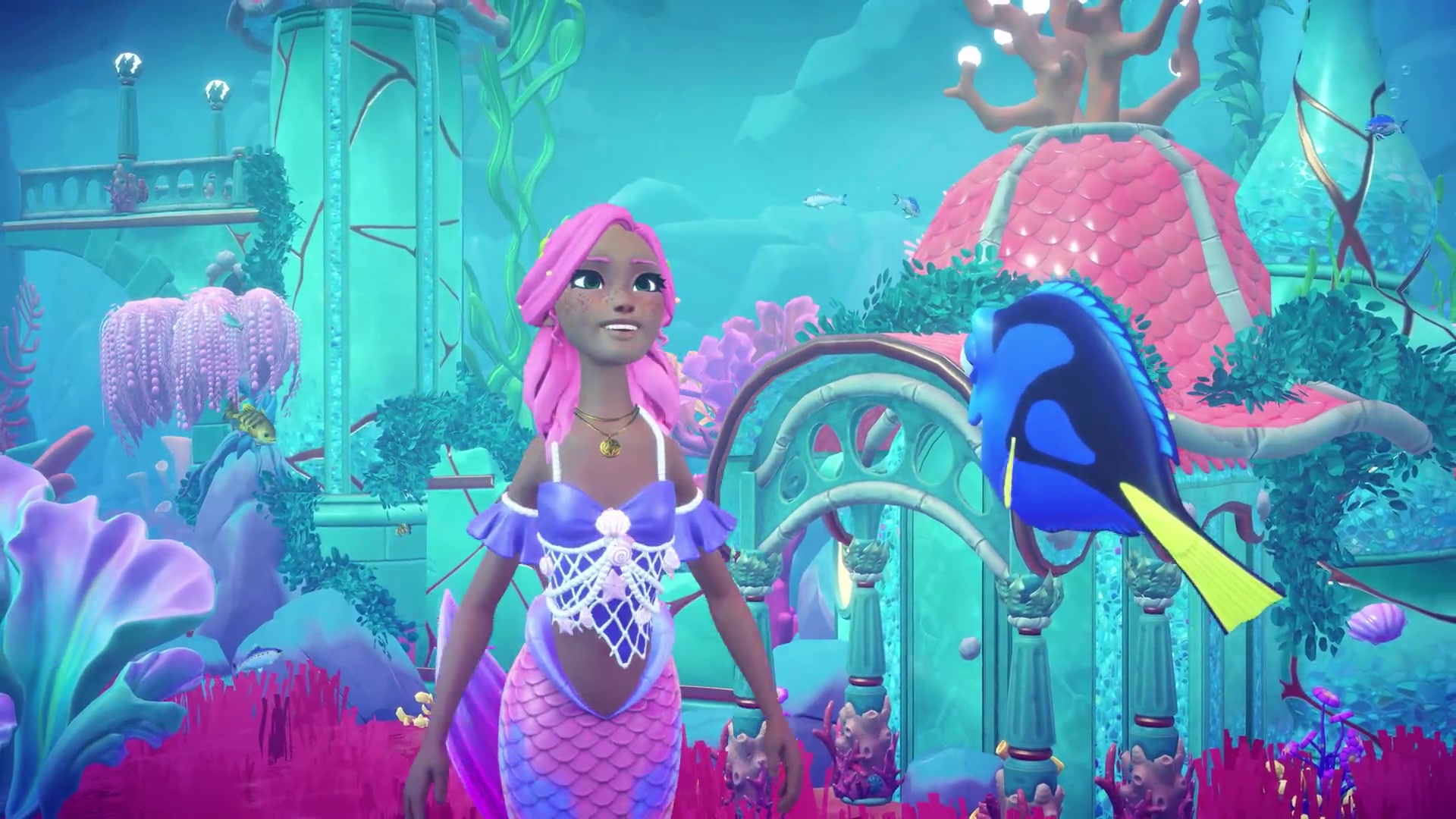
Equipping or unequipping Dory crashes the game on PS5 and Switch
This is the most common Keepsake Sea bug so far, and it showed up within the first hours of the expansion.
The crash goes both ways. The game can crash the moment you equip Dory for the first time, when the story tells you to. If you’ve had her equipped for a while, it can crash as soon as you try to take her off. On PS5, it makes no difference whether you try underwater, on land, in the Valley, with an empty inventory, or with or without another companion out, and it can crash in every biome and expansion area. The crash affects PS5 and Switch. It is not confirmed on PC or Xbox, which does not mean those platforms are safe.
Restarting does not clear it. One PS5 player did several hard resets and crashed again on every attempt.
The crash blocks the Deluxe quest Undersea Reunion
If you own the Deluxe Edition, the quest Undersea Reunion asks you to swim with Ariel, Flounder and Sebastian, and it needs both Flounder and Sebastian equipped. With Dory in a companion slot, you have to unequip her to make room, and that is exactly where the game crashes. Starting the Flounder and Sebastian quest can hit the same wall when you deselect Dory in the menu.
The one workaround reported so far
You may be able to remove Dory by travelling out of the Keepsake Sea and selecting regular companions there, rather than unequipping her directly. The crash can happen in the Valley too, so it may not work for everyone. If you try it:
- Let the game save, then travel back to Dreamlight Valley.
- Open your companions and pick a regular companion, swapping it in over Dory, instead of choosing to unequip her.
- If it crashes, stop retrying. Repeated crashes will not unlock anything, and Undersea Reunion will wait for you.
If you have not equipped Dory yet and can skip that step for now, waiting is the safest choice. Our Keepsake Sea characters guide covers where Dory, Flounder and Sebastian come from.
Gameloft lists six issues for the Keepsake Sea update
Gameloft posted these on its Help Center at launch, in its own words where it matters. Four are bugs; two explain behaviour that looks like a bug.
| Issue | Platforms | What Gameloft says |
|---|---|---|
| Crash or freeze entering Stardust Port from the Castle | Xbox, PS4, Switch | Can happen “including the first time you enter it”. Team “already working on a fix”. |
| No Eel Ruffle from a green chest in the Keepsake Sea | Not specified | Aware, “already working on a fix”. |
| Can’t fish in Honeyglow Woods | Switch | Aware, a fix “will be rolled out shortly”. |
| Furniture vanishes from a Keepsake Sea island | All | Not lost. Questing Islands can’t hold furniture, so the game moves it to the closest area that can. |
| Flounder and Sebastian missing after buying Deluxe | All | Not a bug. They unlock through quests, not on purchase. |
| Stitch’s glowy hole quest does nothing | All | Talk to Stitch before you enter his House. |
Gameloft names the Questing Islands where furniture gets moved: Donut Island, Stonecutter Island, Toucan Island, Hideout Island, Quandary Island, Sharkfin Isle, and the islands of the Guardian of Discovery, Resilience, Expression, Boldness and Belief. Check the nearest buildable area before you assume an item is gone.
Gameloft has not given a date for any of these fixes. For Stardust Port, there is no official workaround, so avoid entering it from the Castle on the affected consoles until a fix is out.
Missing floating skulls and Ursula clear when you leave and come back
Two quest problems you may hit, both with a reload fix. Neither fix is official.
Captain of the Dead: floating skulls not spawning
The Captain of the Dead quest asks you to catch five Floating Skulls in Peddler’s Post and Barnacle Bay. You may only find two and be unable to track down the rest. Travel back to Dreamlight Valley, then return to the Keepsake Sea. Going underwater or to the floating islands does not help; going to the Plaza and back does. After the reload, you should find two skulls in the first small zone and three in the other, floating around the main areas rather than hidden down small paths.
Ursula not in her cave
Early in the expansion you meet Ursula in her secret cave on Dazzle Beach. On Switch, she may not be there when you arrive. Leaving the cave and walking back in should make her appear. It is a quick thing to try before anything else.
Our Keepsake Sea walkthrough has every quest step in order, and if the expansion does not start at all, see Keepsake Sea not showing up.
Other bugs players are reporting since the update
None of these are on Gameloft’s list yet, so treat them as unconfirmed.
- Jack Sparrow opens the door, then vanishes. On Switch and Steam, the quest can tell you to talk to Jack Sparrow after he opens a door, but he is nowhere to be found and the doorway will not let you through. No fix is confirmed yet; a full game restart is worth a try.
- Haunted Water Mist looks broken. The Haunted Water Mist decoration can look wrong since the expansion update, which can wreck a spooky pumpkin patch build.
- Plaza and Castle skins won’t change. After the update, you may not be able to switch your Plaza or Castle skin, even after three restarts, while Scrooge’s and Remy’s skins change fine. The Winter Wishing Well skin can have a similar problem.
- Stuck on the loading screen. On Xbox, one profile can stop at about a third of the loading bar while others load fine, and a reinstall does not help. The same can happen on PC, and the load screen can also get stuck on Switch 2 after the update.
- Stuck in offline mode or told to update. You may see “update to access” with no update visible. On Switch, find the update by selecting the game and pressing +; on Steam Deck, opening and closing the game should make the update appear.
- Freezes on Steam Deck. The screen can freeze repeatedly after you get the expansion, and the same can happen on Apple Arcade.
Report Keepsake Sea bugs through the Gameloft Help Center
Gameloft takes bug reports through the Disney Dreamlight Valley Help Center contact form. Include your platform, your edition (standard or Deluxe), the quest you were on and exactly what you did before the crash. For the Dory crash, say whether it happened when equipping or unequipping her.
To see what Gameloft is already working on, check the Known Issues section of the Help Center, which is where the Keepsake Sea issues above appeared first, and the official Disney Dreamlight Valley Issue Tracker Board on Trello. The patch notes say to watch the game’s social channels for fix news.
FAQ
Why does Dreamlight Valley crash when I equip Dory?
It is a launch-day bug players are reporting on PS5 and Switch. It happens when equipping and when unequipping her, in any area. Gameloft has not explained or acknowledged it yet.
How do I unequip Dory without crashing?
Try leaving the Keepsake Sea and selecting a regular companion in her place. It does not always work, so save first and do not keep retrying if it crashes.
Is there a fix for the Dory crash?
Not yet. As of November 18 there is no fix and no date. It is not on Gameloft’s known-issues list.
Why can’t I start Undersea Reunion?
The Deluxe quest needs Flounder and Sebastian equipped. If Dory is in a slot and unequipping her crashes, you are blocked until the Dory bug is fixed or the workaround above works for you.
Where did my furniture go in the Keepsake Sea?
Gameloft says furniture can’t sit on Questing Islands, so the game moves it to the nearest area where furniture is allowed. It is not deleted.
I can’t find all the floating skulls. What do I do?
Travel back to Dreamlight Valley, go to the Plaza, then return to the Keepsake Sea. Two players say the missing skulls appeared after that.
Why does my game freeze entering Stardust Port?
Gameloft confirms a crash or freeze entering Stardust Port from the Castle on Xbox, PS4 and Switch and says a fix is in progress.
Checklist
0 of 7
Source & credit
Disney Dreamlight Valley is developed and published by Gameloft. Official issues come from the Disney Dreamlight Valley Help Center, the Trello issue tracker and the official Keepsake Sea patch notes. Player reports come from r/DreamlightValley threads and a launch-day video by Adams Nintendo World. Images are frames from the official Keepsake Sea trailer on Steam.