- Easy
- Difficulty
- 9 min
- Read time
- 6
- Steps
- Early Access
- Checked on
The Cargo Wasp isn’t a named aircraft in the current Early Access build of Atmosfar; the closest match is the Hauler Wasp, the cargo-lifting class that carries heavy scrap with a winch. This guide covers what’s actually known about the Hauler, how the Wasp classes work, and how to set yourself up to use one. It’s written for players who want a cargo-carrying aircraft and want to know how the Wasp system fits together.
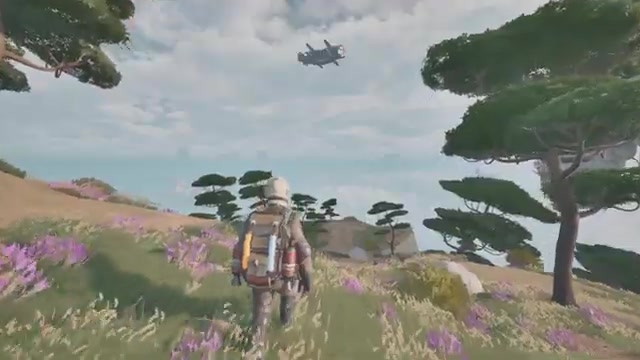
Quick start: get a cargo-hauling Wasp in 6 steps
The fastest path to a cargo Wasp is to pursue the Hauler class, build the base infrastructure it depends on, and keep it fueled and repaired.
- Treat the Hauler Wasp as the “Cargo Wasp”: it’s the class that lifts heavy scrap with a winch.
- Scavenge scrap, process minerals, and harvest organics on your starting islands to build up crafting materials.
- Research the artifacts you dig up back at base. Research is where progression happens (Likely based on context: Wasp unlocks sit in this research loop).
- Craft the Hauler once it’s available to you (Likely based on context: it’s crafted rather than found).
- Build Wasp pads and fuel tanks on your Cloud Cruiser so the Hauler has somewhere to dock and refuel.
- Keep the Hauler fueled, maintained, and repaired before every expedition, or it will fail you mid-flight.
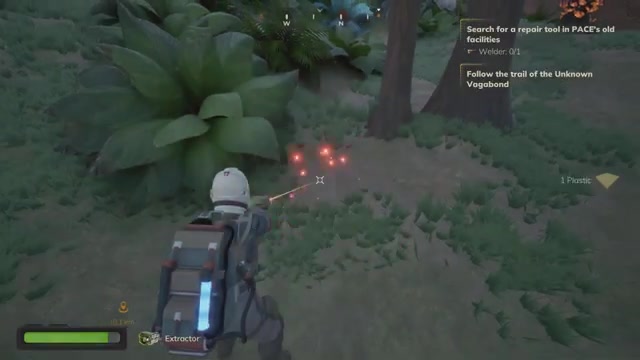
What you need before you can use a Hauler Wasp
You need a working resource loop, a place to dock the Wasp, and a plan for fuel and upkeep before a Hauler is worth owning.
Atmosfar is a survival crafting game, so everything starts with the basics. Your core loop is to scavenge scrap, process minerals, harvest organics, cook food, craft gear, and research artifacts. Your backpack doubles as a life support system that powers your tools, so resource management follows you everywhere, including onto the Wasp.
- Scrap and minerals: The raw material base for crafting. Scrap is also exactly what the Hauler is built to lift.
- Organics and food: Keep yourself alive while you grind toward the unlock.
- Artifacts to research: Dig them up and research them at base. This is how the story and, by inference, progression move forward.
- Fuel supply: Wasps need fuel. Plan for it before you plan for the aircraft.
- Wasp pad on your Cloud Cruiser: The Cruiser is your mobile base and has Wasp pads, fuel tanks, and a lounge. Optional but helpful: build this early so the Hauler has a permanent home.
The route from fresh survivor to a working Hauler Wasp
The route is: survive on the islands, research artifacts, unlock and craft the Hauler, then dock it on a Cloud Cruiser you’ve built.
You begin as a survivor who has washed up on Tycos, a world of floating islands with no ground at all. You gather scrap and organics on nearby islands, process what you find, and research the artifacts you dig up. As your tools and knowledge grow, you gain access to Wasps. The Hauler is the cargo specialist among them. Once you’ve got one, you build or expand a Cloud Cruiser with Wasp pads and fuel tanks so the Hauler can launch, refuel, and return.
In words, the flow looks like this: islands, then scavenging, then research at base, then Hauler, then Cruiser pad, then loaded expeditions.
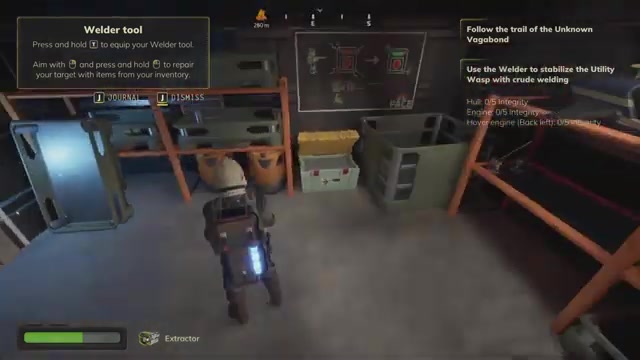
How to get a Hauler Wasp working, step by step
Work through the stages in order: gather, research, craft, dock, and maintain.
Scavenge scrap and process your first minerals
Start by collecting scrap, minerals, and organics from the floating islands near your landing point. These feed every craft in the game, and scrap in particular is what a Hauler exists to move in bulk later. Use your backpack tools for the work, and keep an eye on its life support draw as you go.
Dig up artifacts and research them at base
Artifacts you find on islands are researched back at base. This is also how the story unfolds, quietly, rather than through frequent cutscenes. Likely based on context, research is also the gate that opens up new equipment such as additional Wasp classes. The source doesn’t state the exact artifact or research node that unlocks the Hauler, so research everything you find.
Craft the Hauler Wasp when it becomes available
The Hauler is one of several Wasp classes, alongside the Utility Wasp (which deploys a portable camp) and the Striker (which stuns enemies so you can loot a nest safely). Craft the Hauler when it appears in your options. The material cost isn’t specified, so check the recipe in your crafting menu.
Build a Wasp pad and fuel tank on your Cloud Cruiser
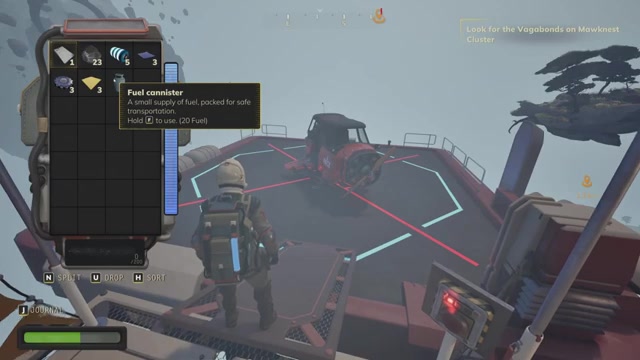
Your Cloud Cruiser is an airship you build, furnish, and pilot yourself. Add a Wasp pad so the Hauler has a dock, and add fuel tanks so it can be refueled between runs. As your expeditions get greedier you bolt on hull sections, so you can scale the pad capacity up over time.
Use the winch to lift heavy scrap
The Hauler lifts heavy scrap with a winch. Fly it over a salvage pile, attach the load, and bring it back to your Cruiser or base for processing. This is the core cargo job, and it’s the reason to choose the Hauler over other Wasp classes.
Refuel, maintain, and repair before every trip
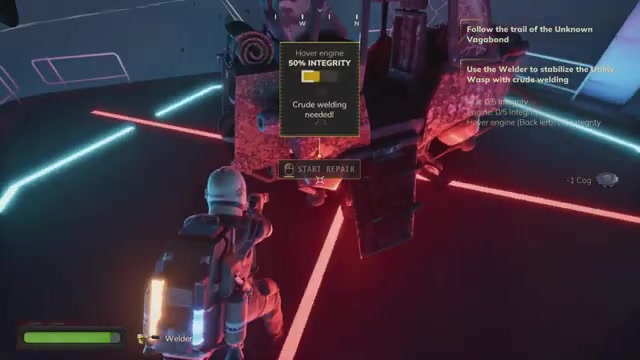
Wasps need fuel, maintenance, and repairs. Skipping upkeep is how players end up gliding down through a thunderstorm in a dying machine. Top off fuel and check condition every time before you launch, especially before a long haul.
Atmosfar
How to work as a team with a Hauler in co-op
In four-player co-op, one player typically specializes as the hauler while others fly the Cruiser, scout, and guard loot.
A common split is: one person flies the Cloud Cruiser, one hauls cargo, one scouts ahead, and one sits on an island guarding loot. Newer players can hitch a ride on a friend’s Wasp before they’re trusted with a stick of their own, so a friend with a Hauler can carry you while you learn.
5 mistakes that cost you a Hauler run
- Launching on low fuel: Fuel logistics get complicated as your Cruiser grows. Fill tanks before departure, not during a crisis.
- Skipping maintenance: A neglected Wasp fails mid-expedition. Repair it at base before you leave.
- Flying into a storm: Rainstorms roll in fast and hit harder the higher you climb. Watch the storm front and return early.
- Ignoring jet streams: They can rip a formation apart. Keep your group tight and route around strong currents.
- Trusting Wasp pathing near islands: Pathing can fail near terrain. Fly manually and give islands a wide berth.
- Staying out at night: Night brings creatures that threaten pilots. Plan hauls for daylight where you can.
Atmosfar How to Get the Cargo Wasp in Atmosfar FAQ
Is there a Cargo Wasp in Atmosfar?
There’s no aircraft explicitly named the Cargo Wasp in the information available; the cargo-focused class is the Hauler Wasp. It lifts heavy scrap with a winch, which is the closest match to a cargo role. Other Wasp classes include the Utility Wasp and the Striker.
How do I unlock the Hauler Wasp in Atmosfar?
The exact unlock method isn’t specified. Likely based on context, progression comes through the scavenge, craft, and research loop, so keep researching the artifacts you dig up and check your crafting options for the Hauler.
What does the Hauler Wasp do in Atmosfar?
The Hauler Wasp lifts heavy scrap using a winch. It’s the cargo-carrying specialist among the Wasp classes and is meant for moving large salvage back to your base or Cloud Cruiser.
Does the Wasp need fuel and repairs in Atmosfar?
Yes, Wasps need fuel, maintenance, and repairs. They depend on you, and neglecting them mid-expedition can leave you gliding down through a storm in a failing machine.
Can I use a Wasp in co-op in Atmosfar?
Yes, co-op supports up to four players, and roles can be split between flying the Cruiser, hauling, scouting, and guarding loot. Newer players can also ride on a friend’s Wasp before flying one themselves.
How to get the Cargo Wasp in Atmosfar checklist
0 of 11
Source & credit
This guide draws on the excellent video walkthrough by Just Launched Games — watch it for the full visual run-through, and give the creator your view: