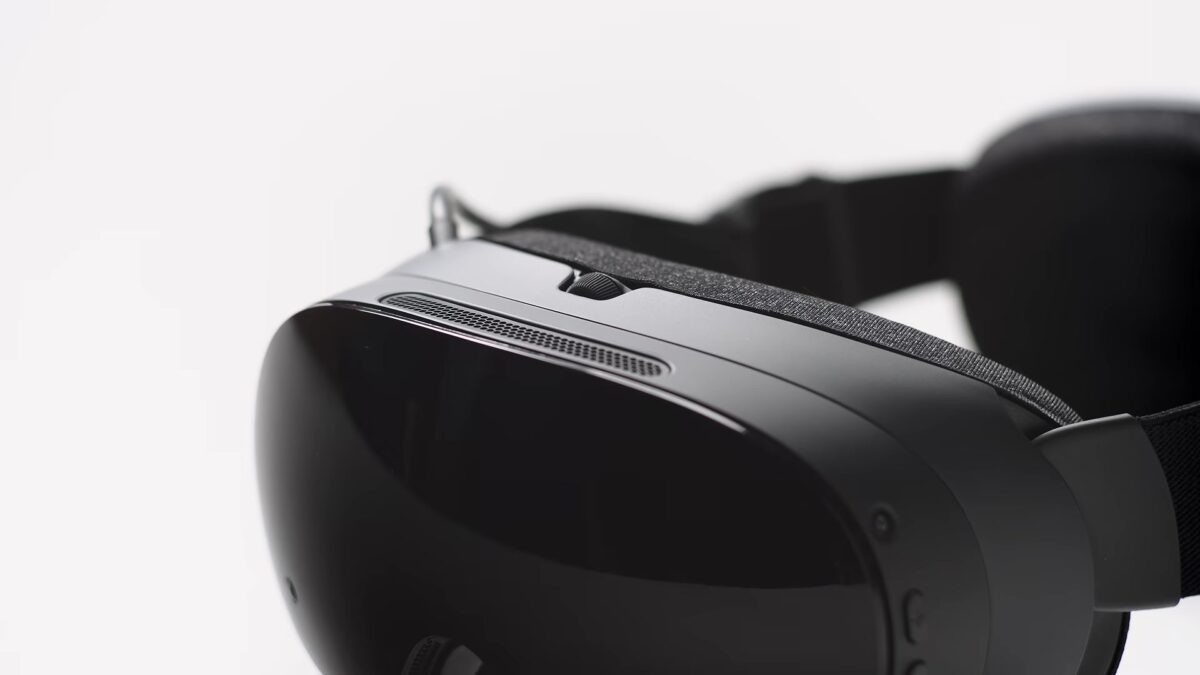
Valve has pushed SteamOS 0.5.10 to the Steam Frame beta channel, and the headline change is sharper streaming from your PC. Better decode performance lets the headset stream at higher resolutions by default, and a new display sharpness setting, on by default, lets you tune the image to taste. The patch notes also fix a boot hang that could follow an OS update.
To get it, go to Settings > System > System Update Channel on the headset and switch to Beta. These are features Valve is still testing, so expect them to change before they reach the stable channel.
PC streaming defaults to a higher resolution, with a new sharpness slider
Improved streaming decode performance means the Frame now picks higher default resolutions when it streams from a PC. The new global sharpness control lives in VR Settings > Display > Display Sharpness. It starts switched on, so if the image looks over-sharpened to you, that is the first place to look.
Two smaller image fixes ride along. Valve says it reduced the “green tint” that showed up on fine greyscale detail, and cut down on head wobble when you stream a remote desktop.
The boot hang on the Steam Frame logo after an update is fixed
If your headset ever froze on the Steam Frame logo right after an OS update, 0.5.10 fixes it. Valve also lists better eye-tracking latency, especially at lower framerates, steadier Multi-Link Streaming on a poor network, and an upgraded Iris video decoder driver.
You can now set controller vibration strength for each game
A new per-game haptics preference sits in VR Settings > Controllers > Manage Controller Bindings, handy when one game’s rumble is far stronger than the rest. Valve also renamed Foveated Sharpening to SGSR Sharpening, so if you were looking for the old name, that is where it went. For developers, the Android runtime adds support for XR_KHR_convert_timespec_time.
This follows SteamOS 0.5.7, which removed Advanced Supersampling on the Frame. Everything else we know about the headset is on our Steam Frame hub.