- Easy
- Difficulty
- 13 min
- Read time
To transmog gear in World of Warcraft: Forever, visit a Transmogrifier: Mon’ye in the Cleft of Shadow in Orgrimmar for the Horde, or Fyrenz Vishonar behind the Mage Tower in Stormwind for the Alliance. Pick “I’d like to change the appearance of my equipment” to open the transmog window and build an outfit. Two rules catch most players out: an appearance has to match the armor type of the item you are wearing, and below level 60 you cannot use high-level appearances. This guide covers the vendors, how appearances unlock, how outfits work, and what changed since the beta.
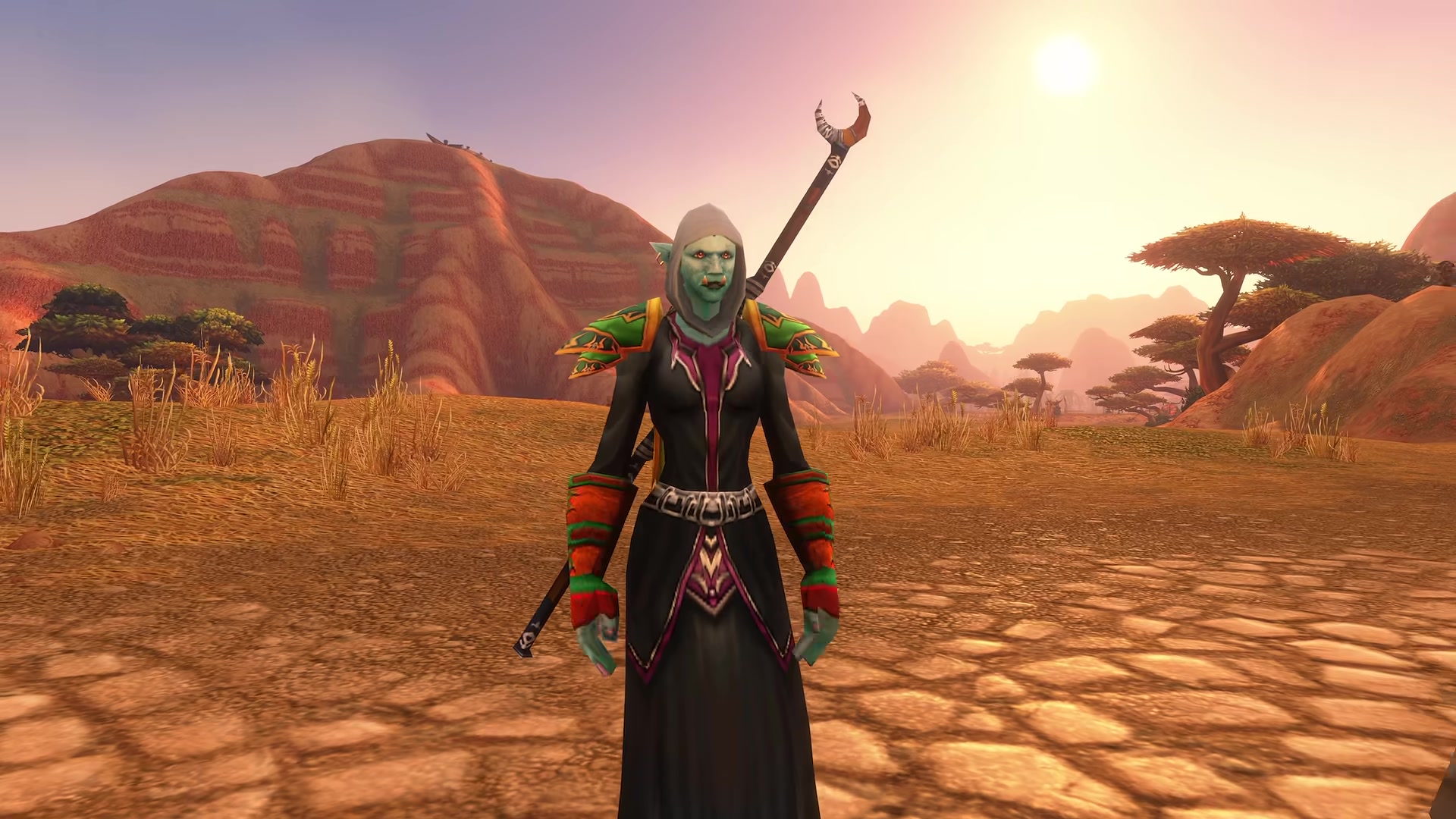
Transmog your gear in seven steps
- Go to your Transmogrifier: Mon’ye in the Cleft of Shadow in Orgrimmar, or Fyrenz Vishonar behind the Mage Tower in Stormwind.
- Press Shift+P to open the Collections window and check which appearances you have unlocked.
- Talk to the Transmogrifier and choose “I’d like to change the appearance of my equipment.”
- Pick an appearance for each gear slot you want to change. Hiding a slot costs nothing. Changing a slot to a different appearance costs money.
- Save the result as an outfit. You start with two outfit slots and can buy more with gold.
- If you wear more than one armor type, use the small flyout on each armor slot to set a separate look for each type.
- Drag a saved outfit onto your action bar. You can then switch outfits anywhere for free, without going back to the city.
What you need before transmogging: a Transmogrifier, unlocked appearances and some gold
- Vendor access: Horde players use Mon’ye in Orgrimmar. Alliance players use Fyrenz Vishonar in Stormwind.
- Unlocked appearances: open Collections with Shift+P to see everything you have unlocked. Appearances are shared across the characters on your account.
- The right armor type and level: plate only takes plate looks, cloth only takes cloth looks, and high-level appearances are locked until your character reaches level 60.
- Gold: applying an appearance to a slot costs money. Extra outfit slots also cost gold. Blizzard has not published the prices and our sources disagree on them, so check the window before you confirm.
- Transmog turned on: if you chose Classic Mode when you first launched the game, transmog starts disabled. See the toggle section below.
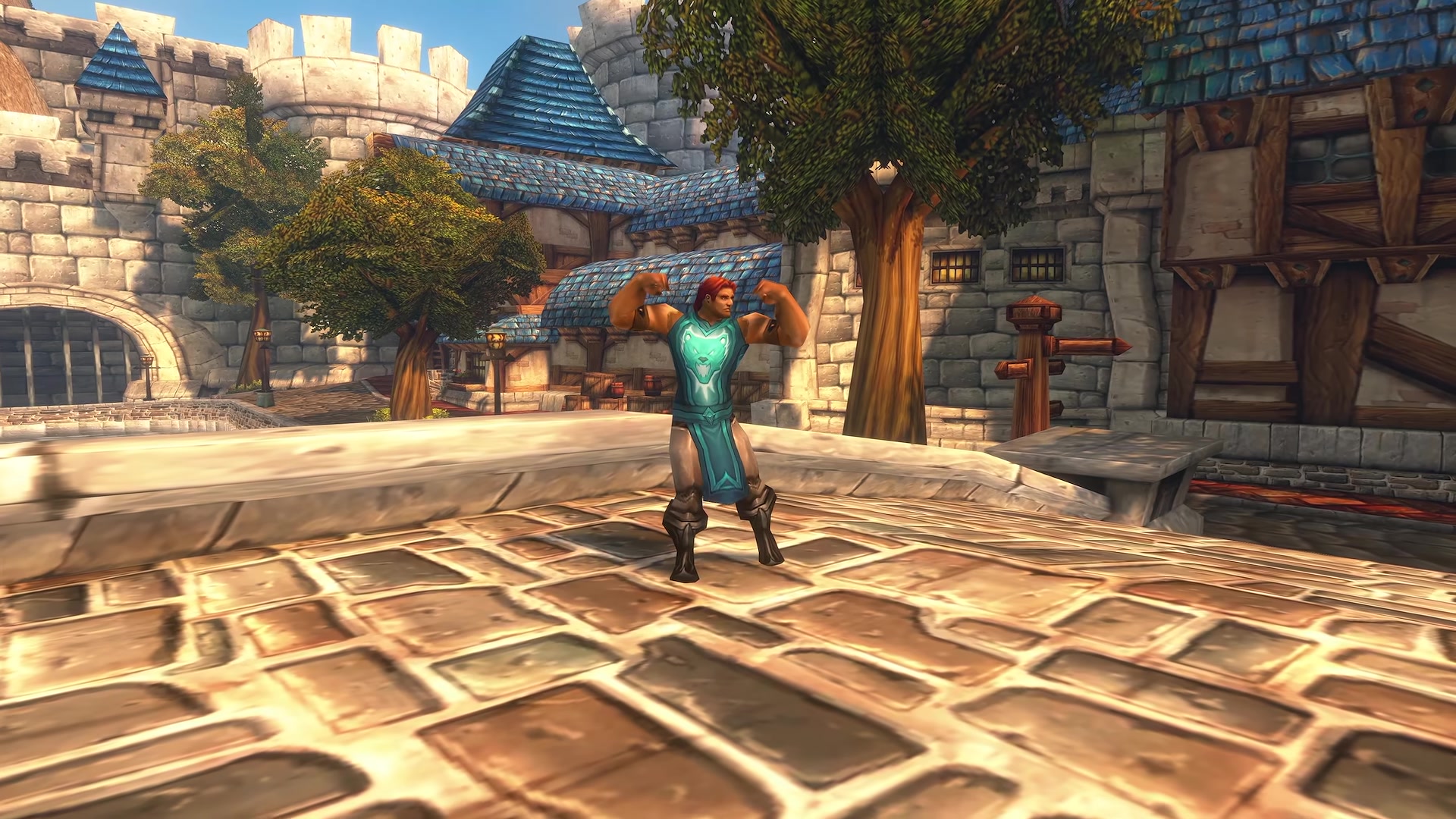
Where to find the Transmogrifiers for Horde and Alliance
There is one main Transmogrifier per faction, and both are in a capital city.
Horde: Mon’ye in the Cleft of Shadow, Orgrimmar
Mon’ye is a troll standing in the Cleft of Shadow, the dark canyon district inside Orgrimmar. The Warcraft Wiki puts her at 46.2, 53.6.
Alliance: Fyrenz Vishonar behind the Mage Tower, Stormwind
Fyrenz Vishonar is a night elf in Stormwind’s Mage Quarter, standing behind the Mage Tower at about 48.0, 84.6.
A third Transmogrifier stands in Dalaran
Spellweaver Thaldris is in the Talismanic Textiles shop in Dalaran, in the Alterac Mountains. The Warcraft Wiki lists him as neutral, while two other guides call him Alliance only, so Horde players should not plan a trip around him until that is settled.
Choose between changing your gear’s appearance and disabling transmog
Each Transmogrifier offers two options: “I’d like to change the appearance of my equipment” and “I’d like to disable transmogrification.” Disabling it means you stop seeing the appearances other players have applied. You see the gear they actually have equipped, which is handy in PvP. You can turn it back on by speaking to the Transmogrifier again.
Disabling does not strip your own look. Blizzard says players with the system disabled can still configure and display their own transmog, and can still collect appearances from new gear. Other players who have transmog enabled will still see your outfit.

How to unlock transmog appearances in World of Warcraft: Forever
You unlock appearances by playing: completing quests, binding gear to your character, and being there when dungeon loot drops. Open Collections with Shift+P at any time to see what you have.
Quest rewards unlock every choice, not just the one you pick
Completing a quest with a reward choice unlocks the appearance of every option, whichever item you take. If a quest offers leather pants, cloth pants or mail pants and you choose the mail pants, you still unlock all three looks.
Bind-on-equip items unlock when they bind to you
A bind-on-equip item unlocks its appearance once it is soulbound, which in practice means equipping it. Two guides also report that selling an unbound bind-on-equip item to a vendor unlocks the look. We could not confirm that on live, so equip an item first if you want to be sure. If you auction or trade it away unbound, nothing in these rules gives you the look.
Poor and Common items, the gray and white ones, are the exception. Blizzard says they grant their appearance as soon as they are looted and do not need to bind.
Green and blue bind-on-pickup dungeon drops unlock for every eligible looter
When a bind-on-pickup Uncommon or Rare item drops in a dungeon, Blizzard says its appearance is granted to all eligible looters when the item is looted. You do not have to win the roll. Blizzard built it this way so nobody rolls against a player who needs the upgrade just to collect the look.
Epic raid drops are not shared
For epic raid drops, the appearance is granted only to the player the item binds to. If someone else wins a sword from a raid boss, you cannot use its look until you get that sword yourself.
How to build, save and switch transmog outfits
Transmog in Forever is built around outfits. You fill an outfit with a look, save it, and swap between saved outfits whenever you like.
Build a look and save it as an outfit
Open the transmog window at a Transmogrifier and choose appearances for the slots you want. Applying an appearance costs gold, and hiding a slot is free. Save the result as an outfit.
Buy extra outfit slots with gold
You start with two outfit slots and can buy more from the Transmogrifier. Our sources disagree on the price of each extra slot, so we are not listing numbers.
Switch outfits from your action bar
You do not have to return to the city to change outfits. Players on live confirm you can drag an outfit to your action bar and click it to switch, and that switching costs nothing. Editing an outfit’s appearances still happens at a Transmogrifier.
Weapons can take the look of other weapon types
Weapon looks cross over between types. Players report turning daggers into swords and maces into swords, and the original attack animations stay. One guide says the swap is limited to the same handedness, one-hand to one-hand and two-hand to two-hand.
Appearances are saved to the outfit, not to the item
Transmog is saved on the outfit’s slot, not on a specific item. Every chest piece you equip afterward shows the saved chest look while that outfit is active, so you do not need to reapply it each time you upgrade. That makes transmog worth using while leveling.

Armor type and level rules: plate to plate, cloth to cloth, and a level lock until 60
These are the two rules behind most complaints on r/wowforever this week.
The appearance must match the armor type of the item you have equipped
Blizzard’s rule is that plate transmogs to plate and cloth transmogs to cloth. It goes by the item you are wearing, not by what your class can wear. A Warrior in plate shoulders cannot use a mail shoulder look, and a Paladin wearing a cloth chest needs a cloth chest appearance for it. This is why Collections can show an appearance that the Transmogrifier will not let you pick.
Set a separate look for each armor type on the same slot
Each armor slot has a small flyout you click to choose how that slot looks when you wear cloth, leather or mail. This matters for classes that mix armor types while leveling, such as a Hunter in leather and mail or a Holy Paladin picking up cloth for the stats. Set a look for each type and your outfit holds together when you swap pieces.
High-level appearances are locked until level 60
Blizzard says low-level characters cannot use high-level appearances until level 60, when level restrictions are removed for valid appearances in the collection. Players on live confirm the limit is in place while leveling. Cosmetic-only items are the exception, and Blizzard says those will be rare.
Hiding your helm and cloak, situations, and the sheathe option that was removed
Hide helm and hide cloak now live at the Transmogrifier
The old interface checkboxes are gone. To hide a helm or cloak, hide that slot in the transmog window. It works even if you have transmog disabled, and Blizzard says players with transmog disabled still see other players’ hidden helm and cloak settings. A popular trick from the subreddit: save one outfit with the helm and cloak hidden, put it on your action bar, and toggle it for free anywhere.
Set up situations that change your outfit automatically
Situations swap your outfit based on conditions. The options reported so far are location, whether you are on foot, mounted or swimming, the weather, and the time of day. One player on live describes outfits that change with the weather or on walking into a rested area.
Sheathing weapons on your back is not in the live game
Early beta builds had a sheathe on back option in the transmog window. It was removed during the beta and players confirmed on launch day that it is not in the live game. A November 9 post on r/wowforever asking Blizzard to bring it back has passed 5,000 upvotes. Blizzard has not said whether it will return.
Six transmog mistakes to avoid
- Auctioning a green or blue bind-on-equip item before wearing it: equip it once first if you want the look.
- Expecting epic raid looks to be shared: only green and blue bind-on-pickup dungeon drops unlock for the group.
- Planning an outfit around the wrong armor type: the look has to match the armor type of the item you have equipped.
- Planning a level 60 look at level 20: high-level appearances stay locked until 60.
- Running back to the city to swap outfits: put outfits on your action bar and switch for free.
- Looking for hide helm in the settings: it is in the transmog window now.
World of Warcraft: Forever transmog FAQ
Where is the transmog vendor in World of Warcraft: Forever?
Horde players use Mon’ye in the Cleft of Shadow in Orgrimmar. Alliance players use Fyrenz Vishonar behind the Mage Tower in Stormwind. A third Transmogrifier, Spellweaver Thaldris, is in Dalaran.
Is transmog in World of Warcraft: Forever the same as retail?
The basics will feel familiar, with what Blizzard calls a few Classic-minded adjustments: looks must match the equipped item’s armor type, high-level appearances are locked until 60, and anyone can switch the whole system off.
Can I disable transmog in World of Warcraft: Forever?
Yes. Talk to a Transmogrifier and choose “I’d like to disable transmogrification.” You will then see other players in the gear they actually have equipped. Your own outfit stays, and players with transmog enabled still see it.
How do I unlock transmog appearances in World of Warcraft: Forever?
Complete quests (all reward choices unlock), bind gear to your character, loot gray and white items, and be an eligible looter when green or blue bind-on-pickup gear drops in a dungeon. Open Collections with Shift+P to review what you have.
Do epic dungeon and raid drops unlock transmog for everyone?
No. Blizzard says epic raid drops grant their appearance only to the player the item binds to. Green and blue bind-on-pickup dungeon drops unlock for all eligible looters.
Can I use mail armor looks on cloth items?
No. Appearances must match the armor type of the item you are wearing. Set a separate look for each armor type with the flyout on each slot.
Can I hide my helm or cloak without using transmog?
Yes. Hide the slot at a Transmogrifier. It shows for everyone, including players who have transmog disabled, and it does not turn the rest of the system on for you.
World of Warcraft: Forever transmog checklist
0 of 9
Source & credit
This guide started from a beta video by Dvalin Gaming, and we rechecked every detail against Blizzard’s own posts and the live game on November 13, 2026. Watch the video for a look at the transmog window: